
Etisalat Quick Pay 2026: Pay Bills & Recharge Online Without Login
Your Etisalat bill is due, you don’t remember your account password, and the e& app wants an update before it’ll even open. Sound familiar? Etisalat Quick Pay exists for exactly this moment, pay any bill or recharge any prepaid number in minutes, with no login, no account, and no app download.
This guide walks through the entire Etisalat Quick Pay online process step by step, covers every bill type it handles, explains the business version, lists the limits nobody tells you about, and fixes the most common errors. Everything is current as of October 2026.
Quick answer: Go to the Etisalat Quick Pay page (eand.ae/ecare/quick pay), enter your mobile, landline, or internet account number, view your amount due, confirm, and pay with a GCC issued credit or debit card. No login required. Prepaid recharges are capped at AED 300 per transaction; postpaid bill payments are limited to your total amount due.

What Is Etisalat Quick Pay?
Etisalat Quick Pay (now under the e& brand, Etisalat rebranded to e& in 2022, though many pages still say Etisalat) is the company’s no login payment portal. It lets anyone pay an Etisalat/e& bill or recharge a prepaid line without signing into an account.
The key selling point is right there in the name: quick. No username, no password, no OTP to login dance. You enter the account number, the system pulls up the bill, you pay, done. It takes about two minutes when everything works.
What it handles:
- Mobile postpaid bills
- Prepaid recharges (Wasel)
- eLife home internet & TV bills
- Landline bills
- Business account payments (separate business portal)
What it doesn’t handle: new subscriptions, plan changes, or anything requiring identity verification. For those, you need the full e& account login.
Quick Pay vs e& App vs Autopay: Which Should You Use?
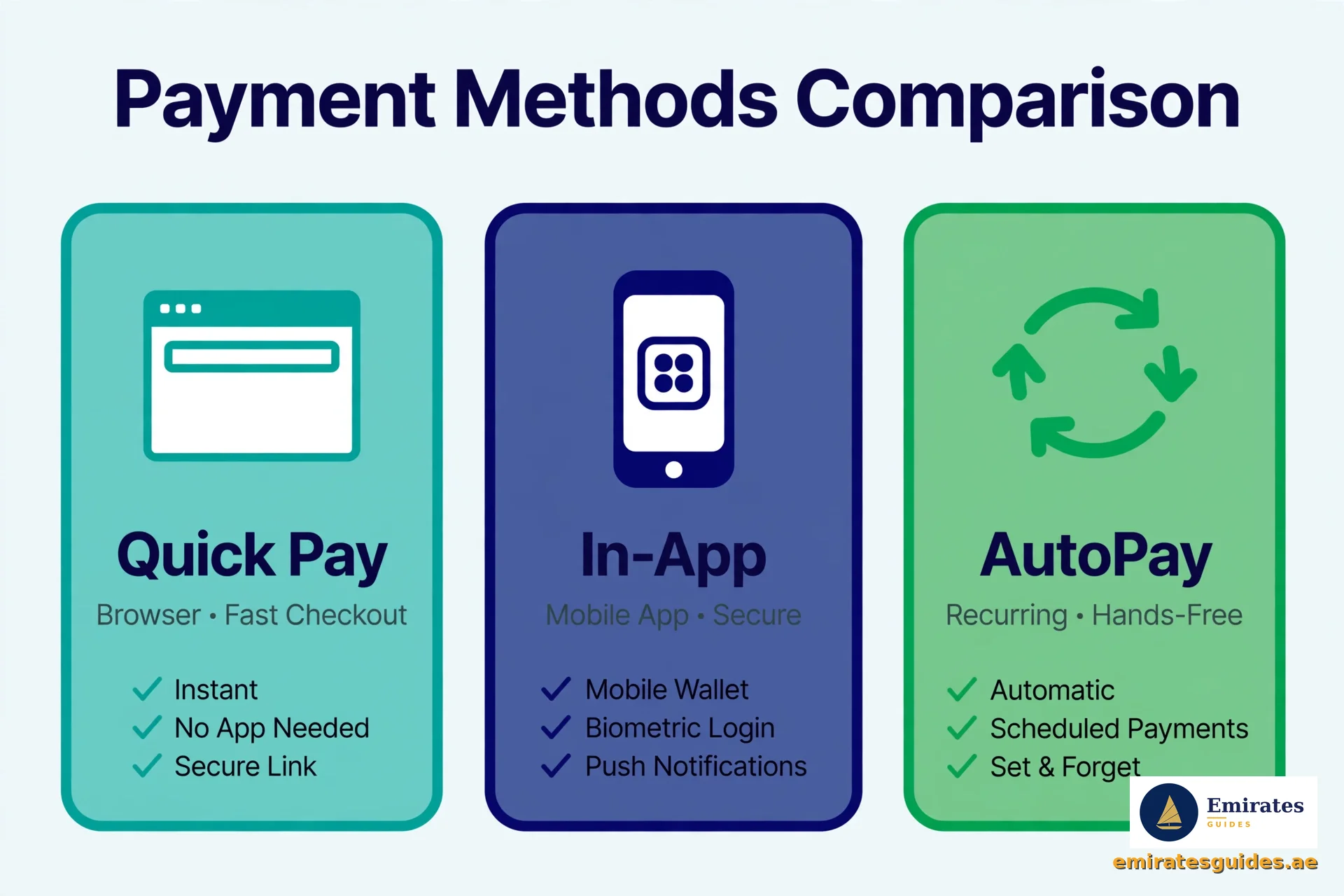
Etisalat gives you several ways to pay. Here’s the honest breakdown:
| Method | Login Needed? | Speed | Best For |
|---|---|---|---|
| Quick Pay | No | ~2 minutes | One off payments, paying for someone else |
| e& UAE app | Yes | ~1 minute | Regular self payments, full account control |
| Autopay | Setup once | Automatic | Never missing a due date |
| Bank transfer | Bank login | Varies | Business accounts, large payments |
Use Quick Pay when: you’re paying someone else’s bill (family member, employee), you’ve forgotten your login, you’re on a device without the app, or you just want it done now.
Use the app when: you pay your own bills monthly and want history, usage tracking, and plan management in one place.
Use Autopay when: you’ve ever been hit with a late fee. Set it once and forget it.
How to Use Etisalat Quick Pay: Step by Step
Step 1: Open the Quick Pay Page
Go to the official Quick Pay portal. You’ll land on a simple page titled “Quick Pay & Recharge” with a single input field. No menus to navigate, no login wall, that’s the whole point.
Watch for: make sure you’re on the official e& domain (eand.ae). Fake payment pages exist; never enter card details on a site you reached through a random link.
Step 2: Enter Your Account Number
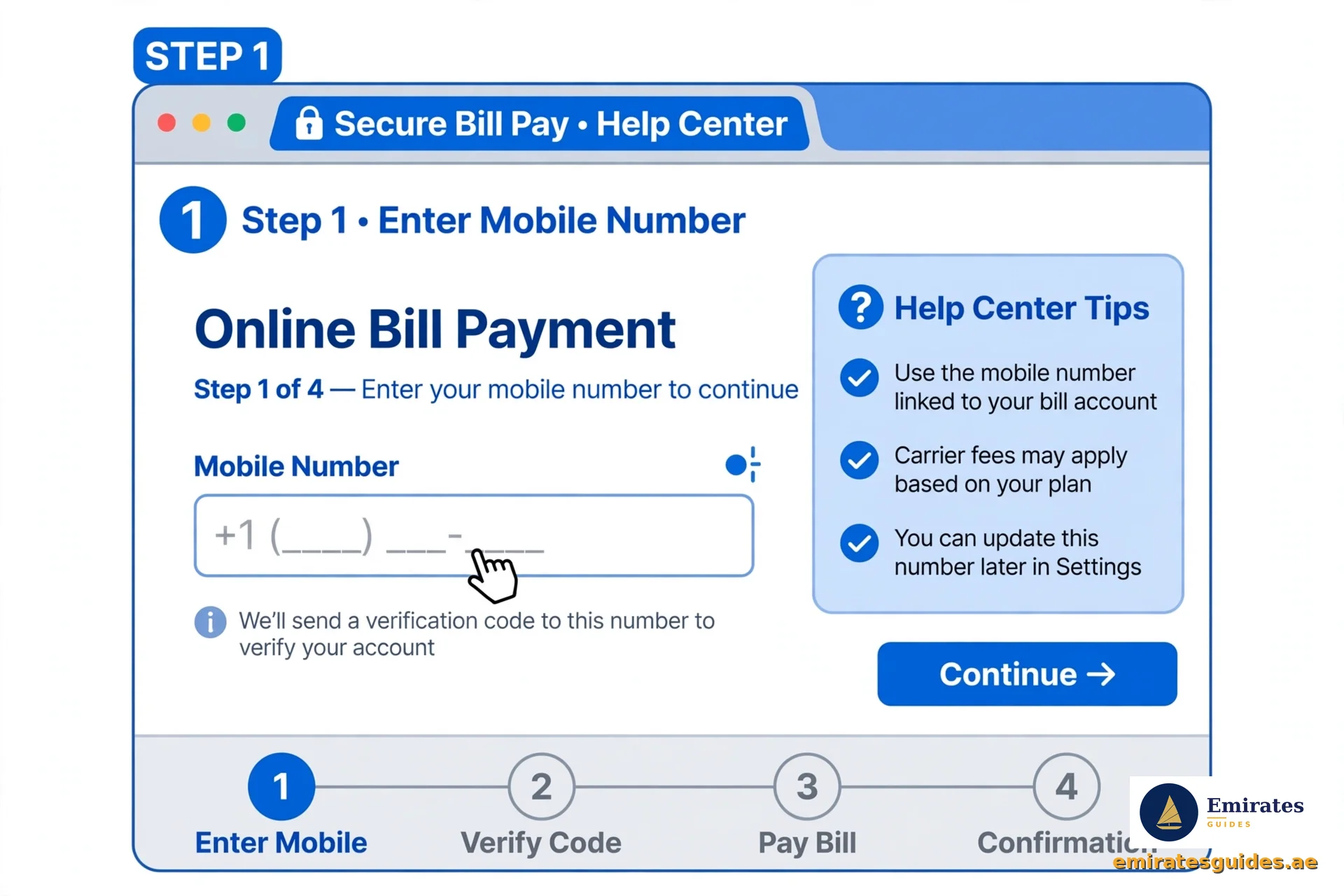
Type in the mobile number, landline number, or internet account number you want to pay for. Double check the digits, the system will pull whatever bill is attached to that number, and there’s no “are you sure this is yours?” check.
For quick pay Etisalat recharge (prepaid top up), enter the prepaid mobile number instead.
Step 3: Review the Amount
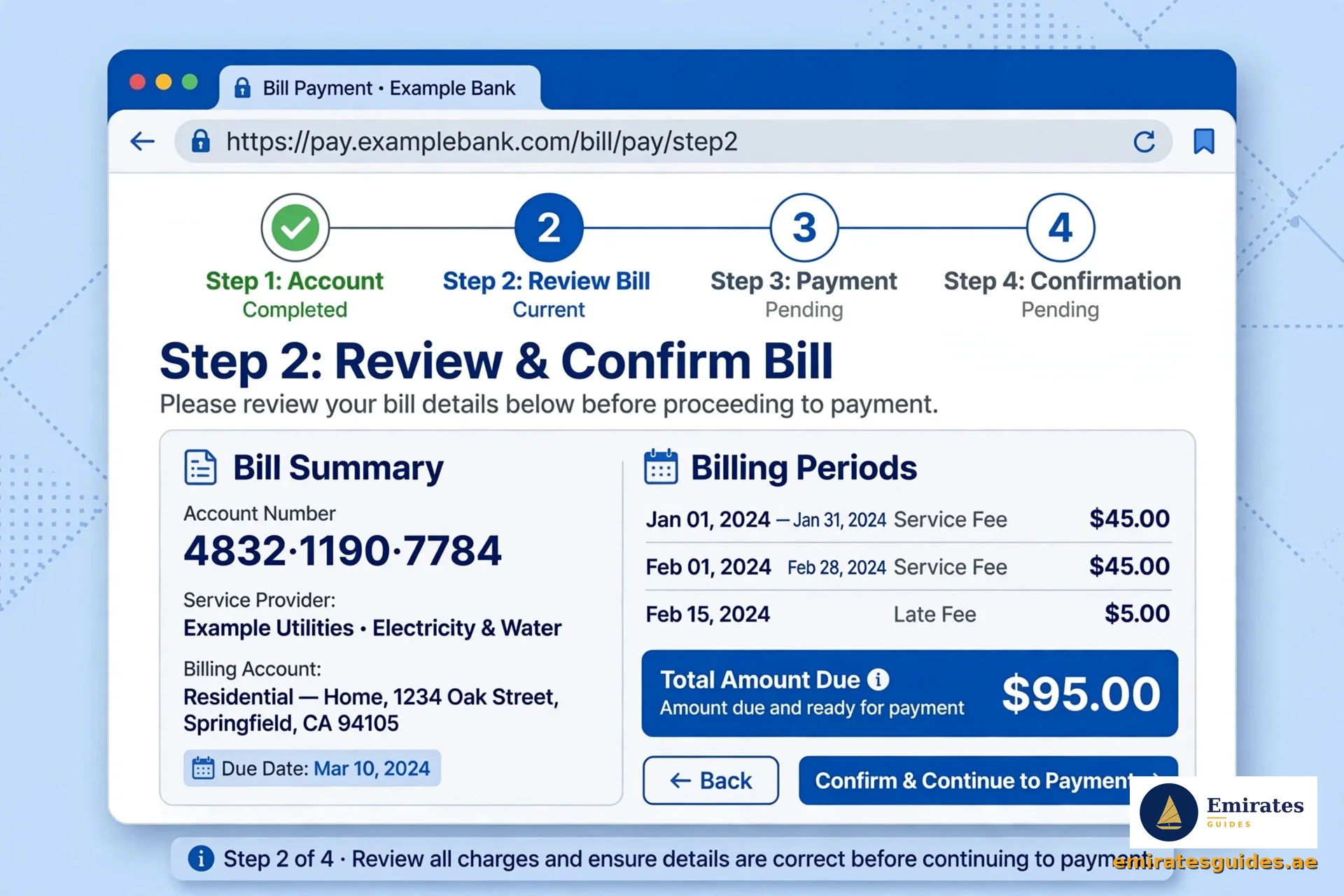
The system displays the account details and the amount due. For postpaid bills, this is your Total Amount Due. For prepaid, you choose your recharge amount (more on limits below).
Read this screen carefully. Confirm the number matches the account you intended. Paying the wrong number is fixable but annoying.
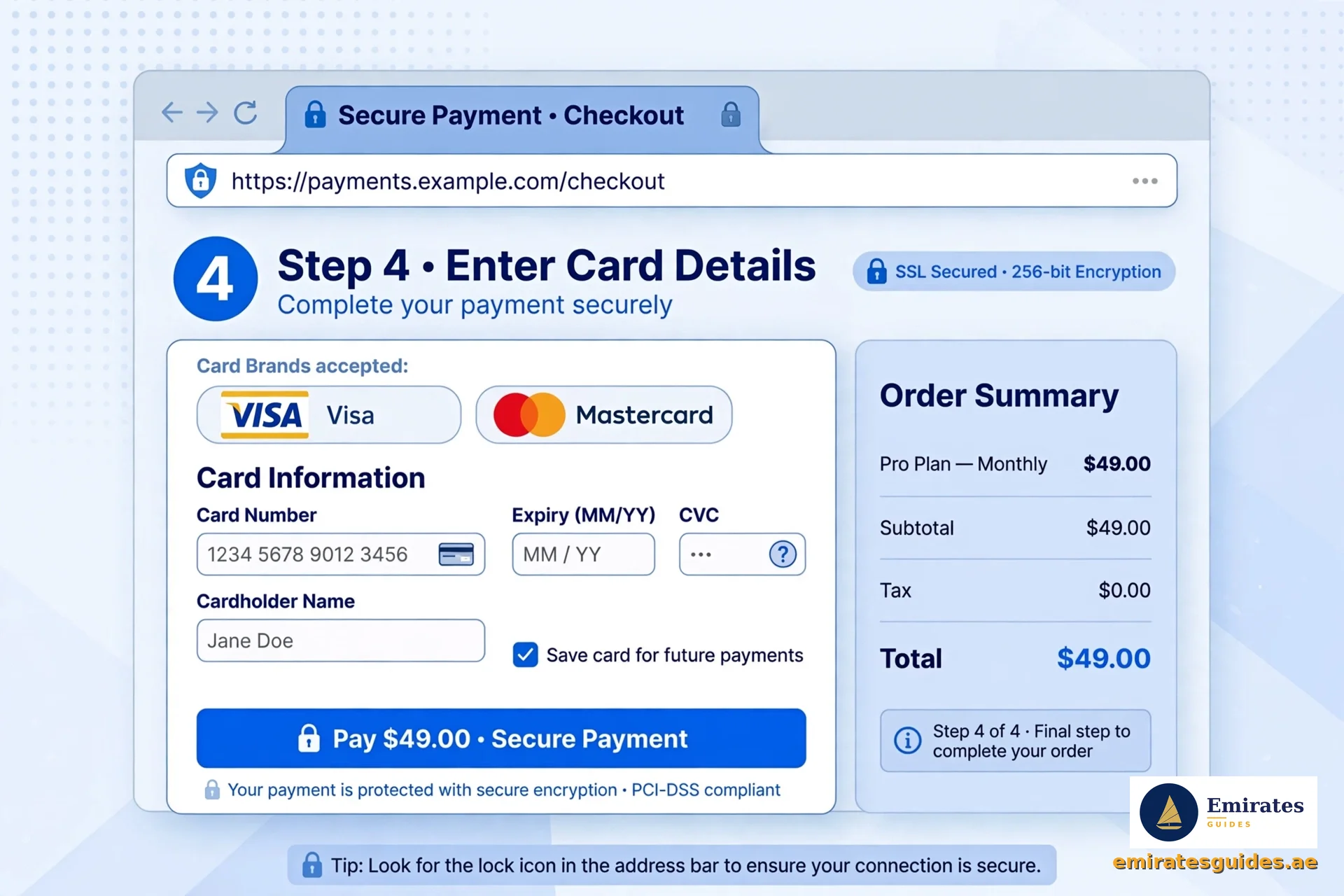
Step 4: Confirm and Pay
Hit continue to reach the payment screen. Enter your card details:
- Accepted: credit and debit cards issued in the UAE or GCC countries
- Not accepted: cards issued outside the GCC
This trips up a lot of expats, a UK or Indian issued card won’t work here, even if it’s Visa or Mastercard. Use a locally issued card.
Step 5: Save Your Receipt
After successful payment, you’ll see a confirmation screen (“Your quick recharge was successful!” for prepaid). Screenshot it or print the receipt. You’ll get an SMS confirmation too, but the on screen receipt is your immediate proof.
That’s it. Five steps, two minutes, no login.

Etisalat Quick Pay for Business
Businesses get their own portal: Etisalat Quick Pay Business. It works on the same no login principle but handles corporate accounts.
Steps:
- Go to the Business Online Quick Pay page (businessonline.etisalat.ae)
- Enter the business account number
- Confirm the amount (limited to the total amount due)
- Pay via credit/debit card or online bank transfer
Business specific notes:
- Accepted payment methods: locally issued credit/debit cards and online bank transfer (consumer Quick Pay is card only)
- Only cards issued by UAE & GCC banks are accepted
- The monthly payment limit is your total amount due, no partial overpayments beyond what’s owed
If your company pays multiple Etisalat accounts, the Business Online Portal (login required) is better for bulk management. Quick Pay Business is for fast one off payments.

Payment Limits and Rules You Should Know
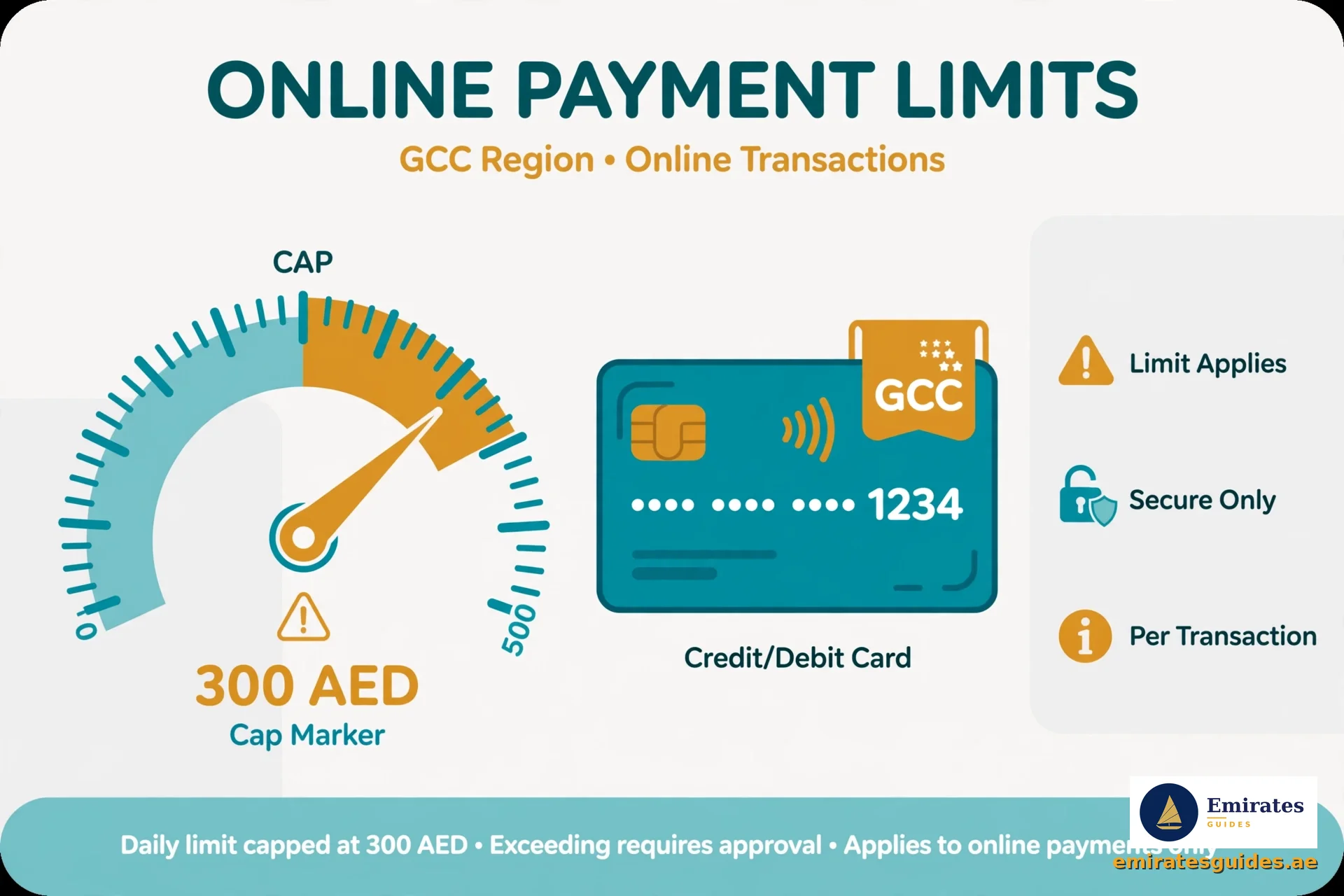
These limits are buried in Etisalat’s old portal pages, here’s all of them in one place:
| Rule | Detail |
|---|---|
| Prepaid recharge max (per transaction) | AED 300 |
| Postpaid bill payment max | Total Amount Due (can’t overpay) |
| Accepted cards | UAE/GCC issued credit & debit cards only |
| Non GCC cards | Not accepted |
| Business: bank transfer | Available (consumer: card only) |
Why the AED 300 recharge cap? It’s a fraud prevention measure on anonymous (no login) transactions. Need more than AED 300 on prepaid? Do multiple transactions, or log into the e& app where higher limits apply.
Quick Pay Recharge vs Bill Payment: What’s the Difference?
People mix these up, so let’s be clear:
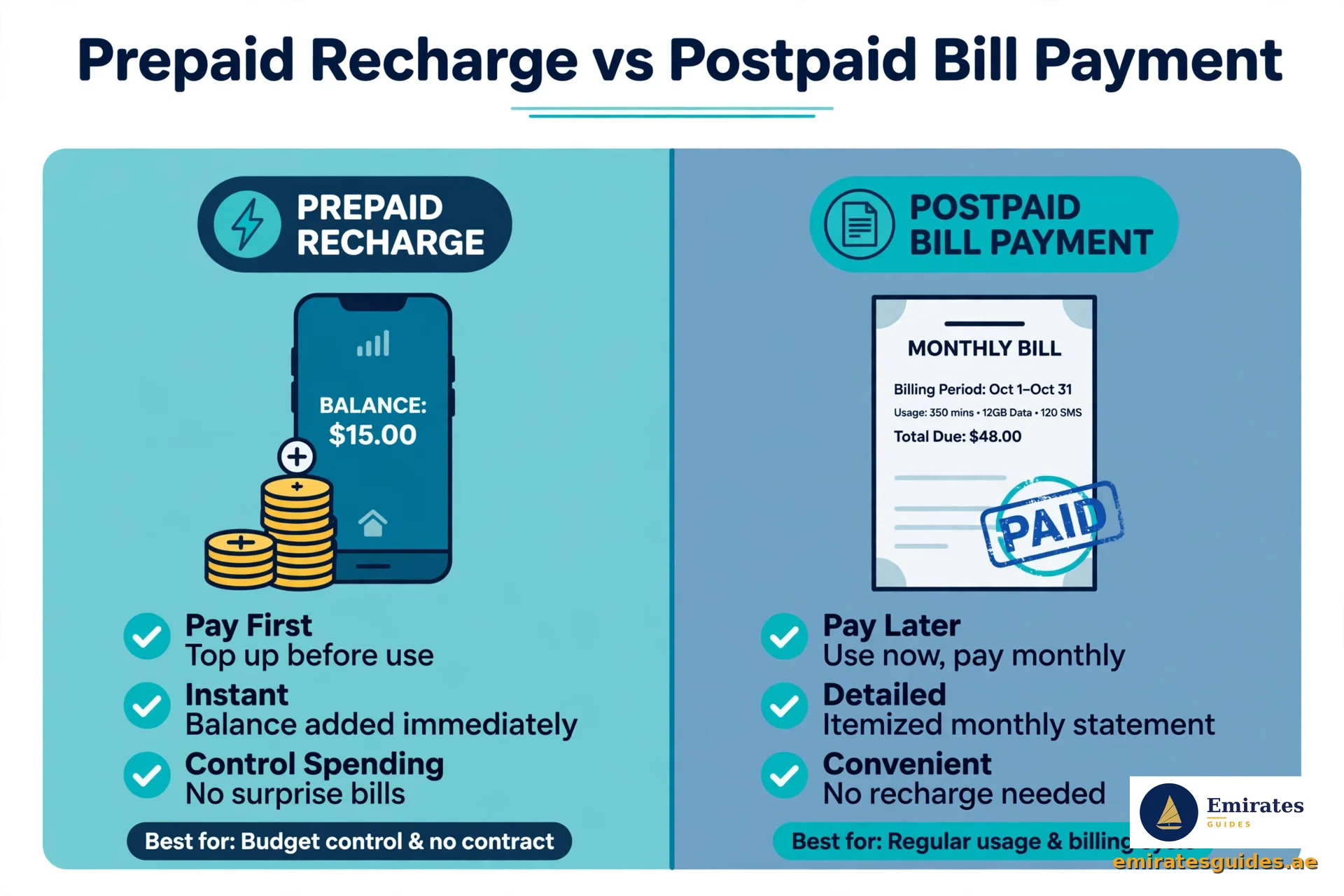
- Bill payment = paying a postpaid bill (mobile contract, eLife, landline). You pay what you owe, the Total Amount Due. You can’t pay more or less through Quick Pay.
- Recharge = adding credit to a prepaid (Wasel) number. You choose the amount, up to AED 300 per transaction. The credit lands on the prepaid balance for calls, data, and SMS.
Both go through the same Quick Pay portal, the system figures out which one based on the number you enter. A postpaid number shows a bill; a prepaid number shows recharge options.
Etisalat Quick Pay Recharge: Prepaid Top Up Walkthrough
Prepaid (Wasel) users have a slightly different flow. Here’s the detailed Etisalat Quick Pay recharge process:
- Open Quick Pay and enter your prepaid mobile number.
- The system recognises it as prepaid and shows recharge denominations (e.g., AED 25, 50, 100, up to 300).
- Select your amount or enter a custom one (minimums apply, maximum AED 300).
- Confirm and pay with your GCC issued card.
- Credit lands on your prepaid balance, usually within minutes.
Prepaid recharge tips:
- The AED 300 cap is per transaction, not per day. Two AED 300 recharges back to back work fine.
- Recharge before your balance hits zero, some prepaid plans suspend data the moment credit runs out.
- Keep the confirmation SMS. If credit doesn’t appear within 30 minutes, you’ll need the transaction reference.
Paying Your Etisalat Bill with Quick Pay (Postpaid)
For monthly contract customers, Etisalat bill Quick Pay is the fastest way to clear your dues:
- Enter your postpaid mobile number (the one on the contract).
- The system shows your Total Amount Due, this includes the current bill plus any carried over balance.
- You pay the full amount shown. Unlike recharge, there’s no custom amount option, Quick Pay processes the total due.
- Confirm, pay, save the receipt.
Postpaid notes:
- A Quick Pay Etisalat bill payment clears within minutes, but the e& app’s “current bill” view can take up to 2 hours to refresh. Don’t panic if it still shows unpaid right after paying.
- Late payments can trigger service suspension. If your line is already suspended, pay via Quick Pay first, then restart your phone, service usually resumes within 15 minutes.
- Need a VAT invoice for business expenses? Request it through the e& app or business portal after paying, Quick Pay itself only gives a payment receipt.
Etisalat Quick Payment Online: Safety Checklist
Any Etisalat quick payment online involves card details, so run through this checklist:
- URL starts with https:// and the domain is eand.ae or etisalat.ae
- You reached the page by typing the address or via the official e& website, not a WhatsApp forward or email link
- The page never asks for your Emirates ID, full bank login, or OTP beyond the card payment 3D Secure step
- After paying, you see an official confirmation screen (not just a blank page)
Etisalat will never call you asking for card details to “complete a Quick Pay transaction.” That’s a scam, hang up.
Troubleshooting: When Quick Pay Doesn’t Work
“Card declined” or “payment failed” First suspect: non GCC card. Etisalat only accepts UAE/GCC issued cards on Quick Pay. Second suspect: insufficient limit or a bank block on online transactions. Call your bank if the card works elsewhere.
“Invalid account number” Re enter the number carefully. For mobile, include the full number with prefix (e.g., 050). For eLife/internet, use the account number from your bill, not your phone number.
“Session expired” or page timeout The Quick Pay portal times out after inactivity. Start over, it’s a two minute process, so this is just annoying, not serious.
Payment went through but no SMS confirmation Check the on screen receipt first (screenshot it always). SMS can be delayed. If 30 minutes pass with no confirmation, contact Etisalat support with your receipt details.
Amount charged but bill still shows unpaid Rare, but it happens. Don’t pay again immediately, duplicate payments are a headache to reverse. Wait 2 hours, check the bill status, then contact support with your transaction reference.
Old Etisalat branding vs e& Some portal pages still show the old green Etisalat logo while others show e&. Both are legitimate, it’s the same company mid rebrand. As long as the URL is on etisalat.ae or eand.ae, you’re safe.

eBill: Go Paperless (Optional but Smart)
While you’re here, Etisalat’s eBill service sends your bills by email instead of paper. Registration is free on the e& website, and you get:
- Bills delivered to your inbox before the due date
- Full bill history online
- Less paper waste
It’s separate from Quick Pay (you can use Quick Pay without eBill), but they pair well: eBill tells you what’s due, Quick Pay pays it in two minutes.
Quick Pay for eLife Home Internet Bills
eLife customers (home internet + TV) can also use Quick Pay, but the account number is different. Don’t enter your mobile number; use the eLife account number printed on your monthly bill (usually starts with a specific prefix).
- Open Quick Pay, enter the eLife account number.
- The system shows your home internet bill amount.
- Confirm and pay as usual.
eLife tip: if your internet is suspended for non payment, pay via Quick Pay and restart your router after 10, 15 minutes. The line usually reactivates automatically, no need to call support unless it’s still down after an hour.
After You Pay: Post Payment Checklist
Payment done? Run through this quick checklist:
- Screenshot the confirmation screen. Do it now, browser back buttons and session timeouts have eaten receipts before.
- Check for the SMS. It should arrive within 5, 10 minutes on the account’s registered number. No SMS after 30 minutes? Keep your screenshot and contact support.
- Verify the bill cleared. For postpaid, check the e& app after 1, 2 hours. For prepaid, your balance should update within minutes, dial *121# to check.
- Save the transaction reference. If anything goes wrong later, this number is how support finds your payment.
- Set a reminder for next month. Quick Pay doesn’t do autopay, put the due date in your phone’s calendar, or better yet, set up Autopay in the e& app for next time.
Related Guides
Frequently Asked Questions
Conclusion
Etisalat Quick Pay is one of those rare things that’s exactly as simple as it sounds: enter a number, pay the bill, done. No login, no app, no friction. For 110,000 monthly searchers, it’s the fastest way to stay on top of Etisalat bills.
Remember the two gotchas: GCC issued cards only, and AED 300 per prepaid recharge. Everything else is smooth sailing.