DEWA Bill Guide 2026: Check, Pay & Download Online
Your DEWA bill just landed in your inbox, and the number looks higher than last month. Before you pay a fils, you want to see the breakdown — what you used, what you owe, and whether it is even correct. A DEWA bill check takes under a minute, and this guide shows you every way to do it.
We cover: checking your bill online (account number and premise number methods), the DEWA app, DEWA Quick Pay, EasyPay, downloading your bill as PDF, understanding every charge on it, payment methods, due dates, and fixing common problems. Current as of October 2026.
Quick answer: To check your DEWA bill online, go to dewa.gov.ae → View Bill, enter your account number or premise number, and view your current bill instantly. No login needed for a basic DEWA bill enquiry. For full history and downloads, log into your DEWA account or use the DEWA smart app.
What Is a DEWA Bill?
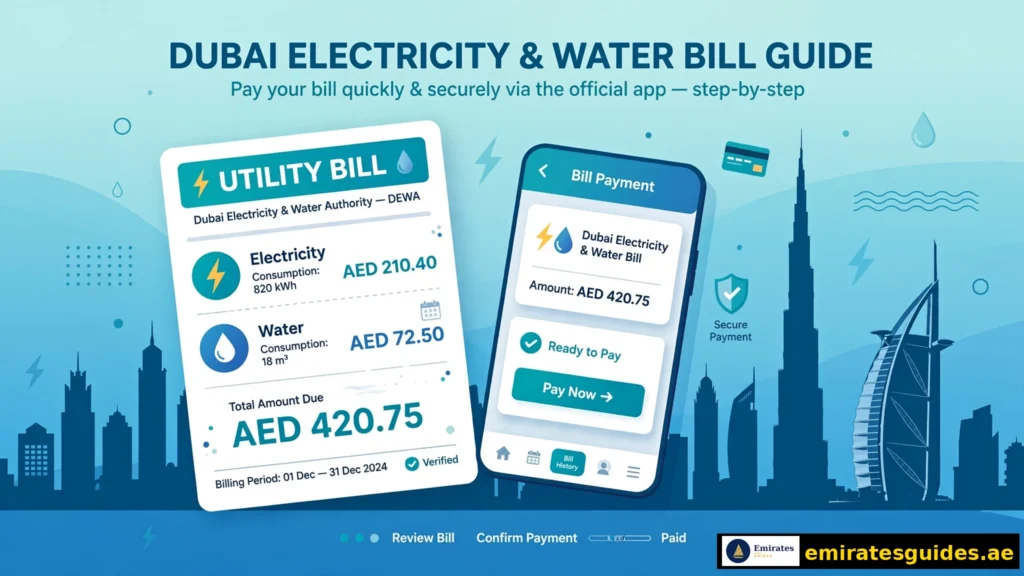
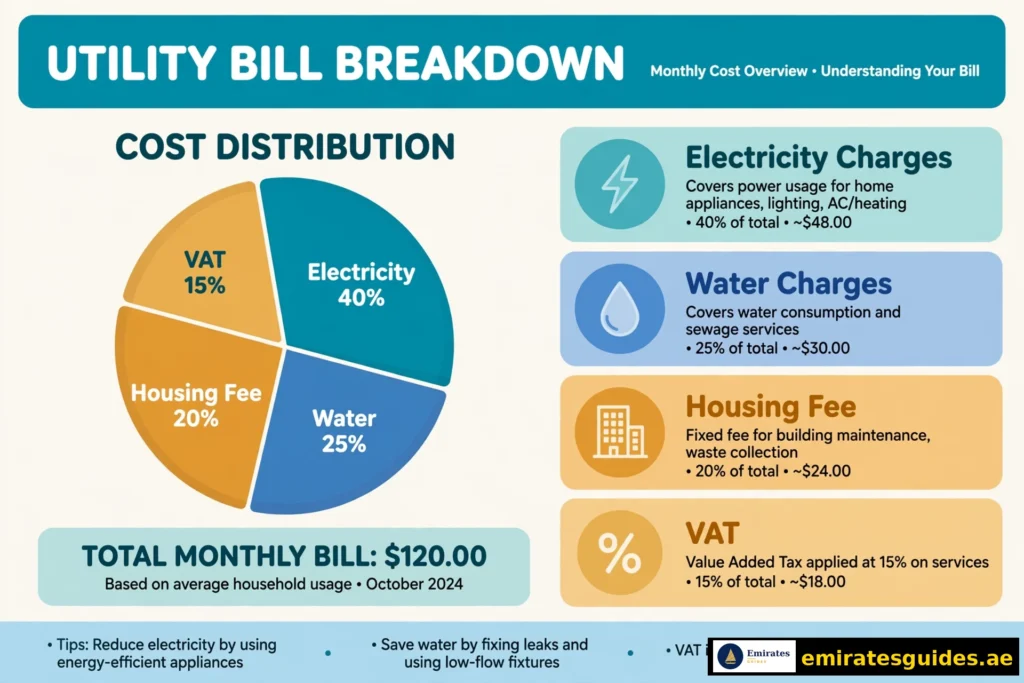
DEWA (Dubai Electricity and Water Authority) is Dubai’s sole provider of electricity and water. Every month, it issues a combined bill covering:
- Electricity charges (slab-based: 23 fils/kWh for first 2,000 kWh, rising to 38 fils above 6,000 kWh)
- Water charges (3.5 fils/gallon for first 6,000 gallons, higher slabs above)
- Sewerage charges (where applicable)
- Housing fee (5% of annual rent, split into 12 monthly instalments — collected via DEWA)
- Fuel surcharge (variable, linked to global fuel prices)
- VAT (5% on applicable components)
Understanding these components matters because “my bill is too high” almost always traces to one of them — usually electricity slab creep in summer or the housing fee surprising new tenants.
How to Check DEWA Bill Online: 4 Methods
Method 1: DEWA Website — View Bill (No Login)
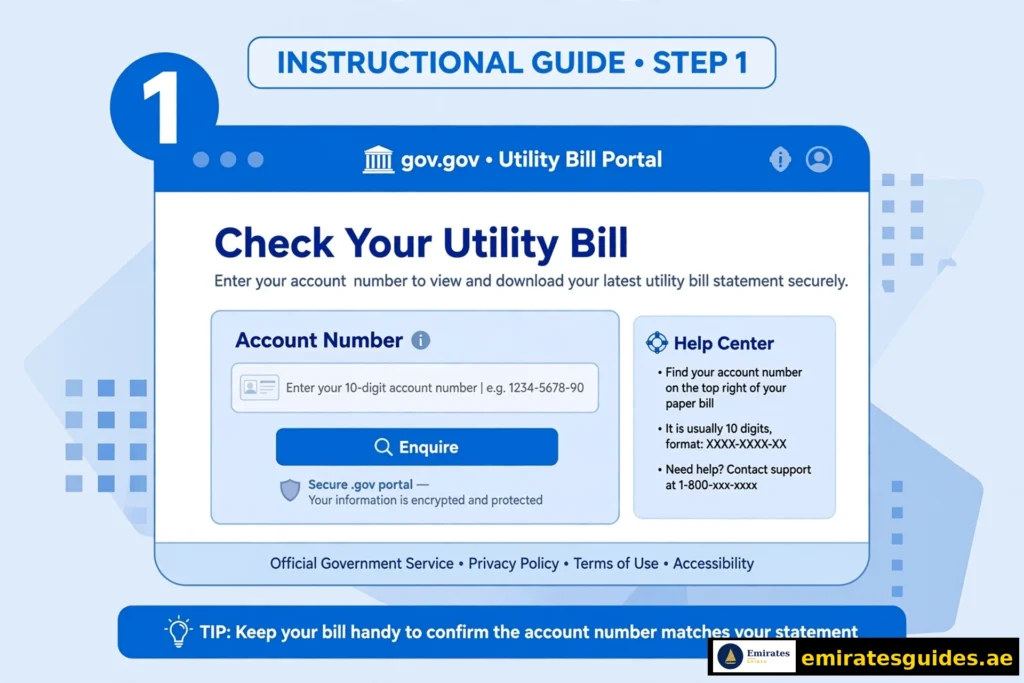
The fastest DEWA bill check online:
- Go to dewa.gov.ae → Consumer → Billing → View Bill.
- Enter your account number or premise number (find it on any old bill or your tenancy contract).
- Complete the captcha and hit Enquire.
- Your current DEWA bill displays — amount due, due date, and basic breakdown.
No account, no password. This is the method for quick checks.
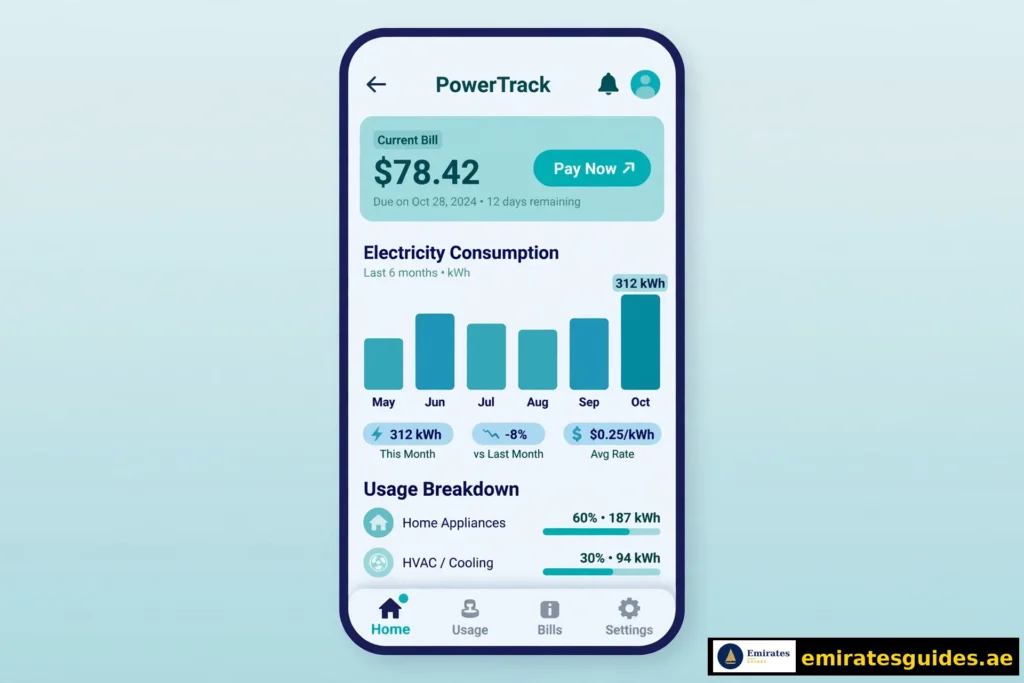
Method 2: DEWA Smart App (Full Access)
The DEWA app (iOS/Android) is the power-user route:
- Download the official DEWA app.
- Log in (or register with your account number).
- Your dashboard shows the current bill, consumption graphs, payment history, and downloadable statements.
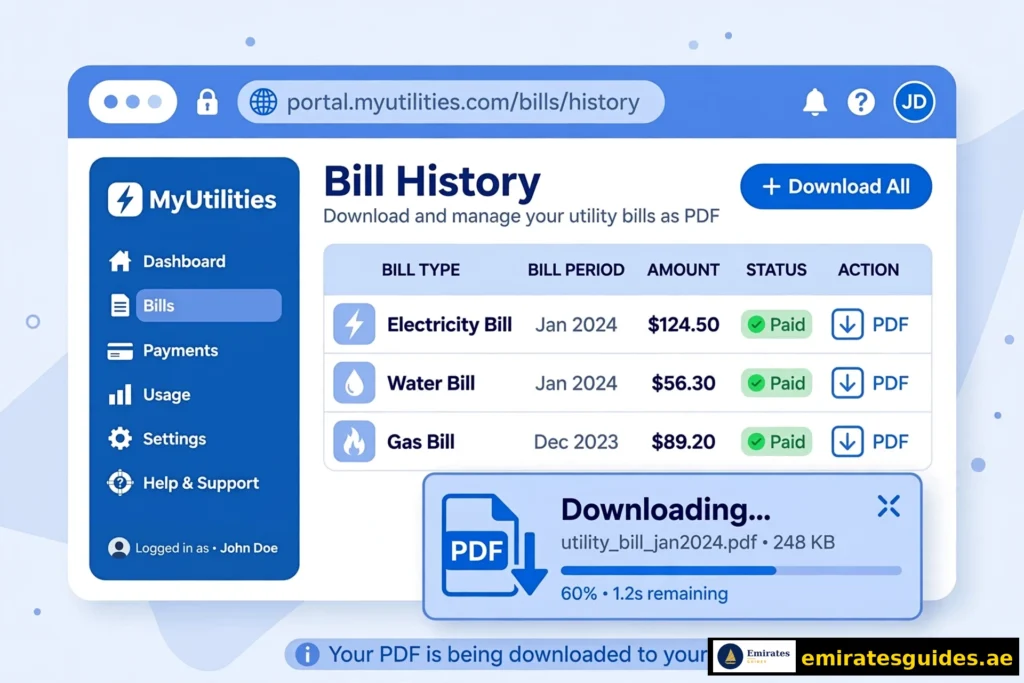
Why the app wins: consumption comparison (this month vs last month vs last year), bill download as PDF, payment in-app, and low-consumption alerts. If you want to actually understand your usage, use the app.
Method 3: DEWA Quick Pay (Pay Without Login)
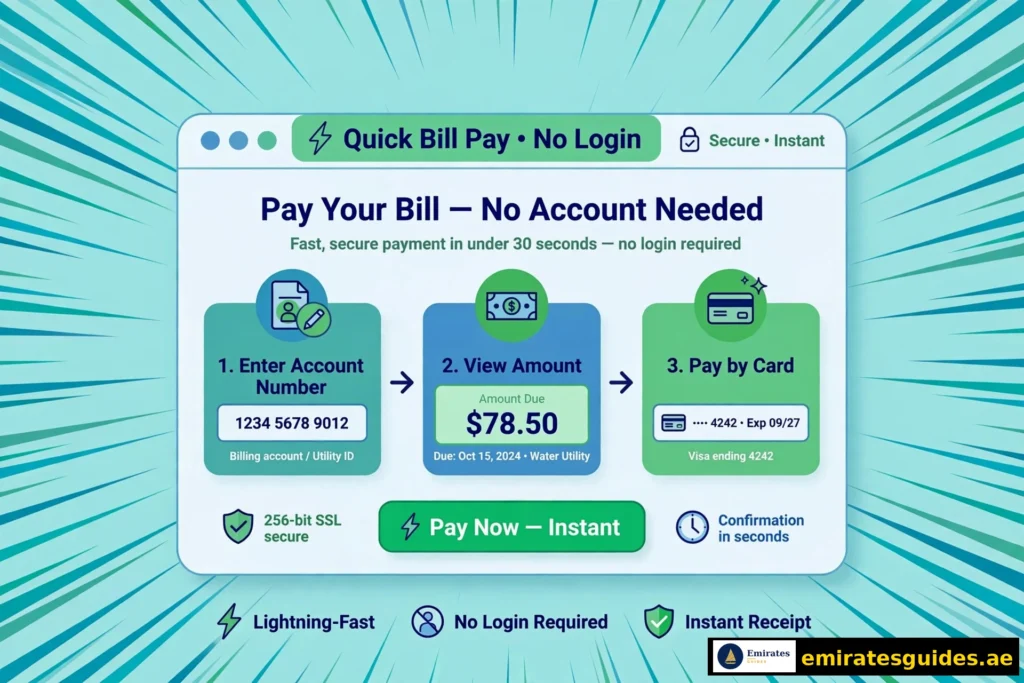
DEWA Quick Pay lets you pay without logging in — enter the account number, see the amount, pay by card. It is the fastest path from “I need to pay” to “paid.”
- Go to the DEWA Quick Pay page.
- Enter your account or premise number.
- View the amount due.
- Pay with a credit/debit card.
Limitation: Quick Pay shows the amount due but not the detailed breakdown. For the full bill anatomy, use Method 1 or 2 first, then pay via Quick Pay.
Method 4: DEWA EasyPay
DEWA Easy Pay (branded “EasyPay”) is DEWA’s streamlined payment service for various bill types — Green Bill, estimates, and general payments. You need your EasyPay number (linked to your account).
- Go to dewa.gov.ae → EasyPay.
- Enter your EasyPay number.
- Select the bill and pay.
EasyPay suits users who pay multiple DEWA accounts or bill types regularly.
Understanding Your DEWA Bill: Line by Line
Electricity Charges
Slab-based residential tariffs:
- 0–2,000 kWh: 23 fils/kWh
- 2,001–4,000 kWh: 28 fils/kWh
- 4,001–6,000 kWh: 32 fils/kWh
- Above 6,000 kWh: 38 fils/kWh
Summer AC usage pushes most villas into the higher slabs. A villa consuming 5,000 kWh pays significantly more per unit than an apartment using 800 kWh.
Water Charges
- 0–6,000 gallons: 3.5 fils/gallon
- 6,001–12,000 gallons: 4 fils/gallon
- Above 12,000 gallons: higher slabs apply
Housing Fee
5% of your annual rent, divided into 12 equal monthly instalments, collected through your DEWA bill. New tenants are often shocked by this — it is not a DEWA charge per se, but Dubai Municipality’s housing fee routed through the bill.
Fuel Surcharge & VAT
The fuel surcharge fluctuates with global energy prices. VAT (5%) applies to the taxable components. Both are listed separately — check them if your bill jumps unexpectedly.
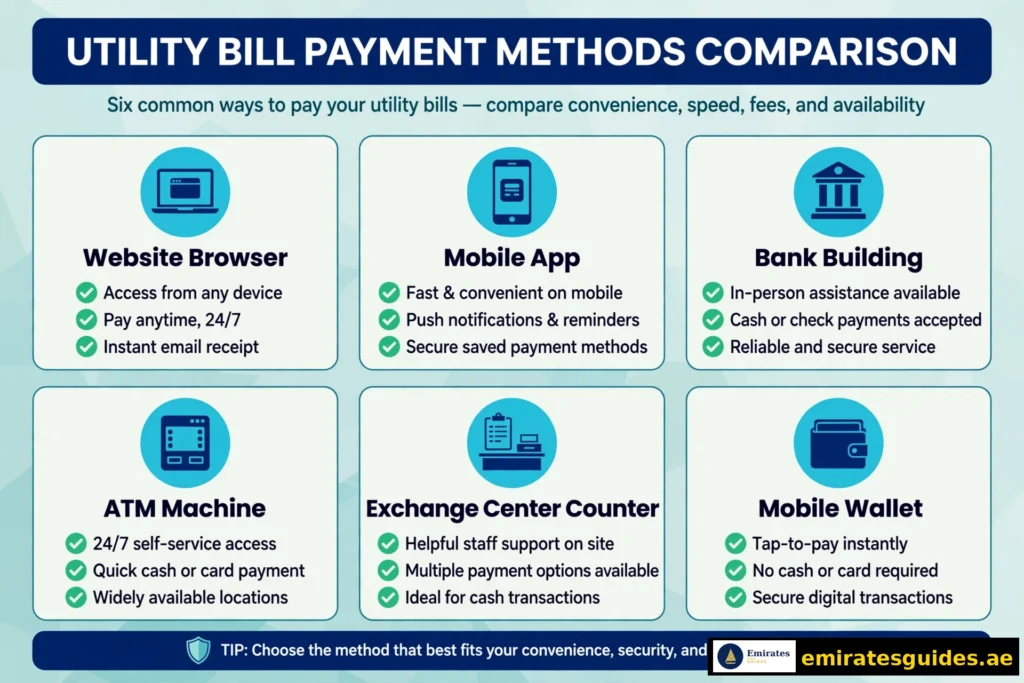
DEWA Bill Payment: All Methods
| Method | Login? | Speed | Best For |
|---|---|---|---|
| DEWA website / app | Yes (full) | Instant | Full control |
| DEWA Quick Pay | No | ~2 min | Fast one-off payment |
| EasyPay | EasyPay number | ~2 min | Multiple accounts |
| UAE banking apps | Bank login | Instant | Bank-centric users |
| ATMs | Card | Instant | Cash-adjacent |
| Exchange centres | In person | Instant | Cash payments |
| Customer happiness centres | In person | ~10 min | Complex cases |
| Apple Pay / Samsung Pay | Via app | Instant | Mobile wallets |
DEWA online payment via the website or app is free — no service charges from DEWA. Third-party channels (some exchanges) may add small fees.
DEWA Bill Payment Online: Step-by-Step
For a full DEWA bill payment online with login (recommended for records):
- Log into dewa.gov.ae with your DEWA account.
- Go to Billing → Pay Bill.
- Review the itemised bill — verify each component before paying.
- Select payment method (credit/debit card, Apple Pay, Samsung Pay where supported).
- Confirm and save the receipt (PDF download available immediately).
Why log in to pay (vs Quick Pay): itemised breakdown before payment, automatic receipt archiving, payment history, and consumption tracking. Quick Pay is faster; logged-in payment is smarter. Use Quick Pay when you are in a hurry, logged-in payment for your monthly routine.
Transaction limits: DEWA’s online channels support large payments (up to AED 750,000 by card per transaction per published limits) — more than enough for residential bills. Commercial accounts with very large bills should confirm limits with DEWA directly.
Due Dates, Late Fees & Disconnection
- Due date: printed on every bill (typically ~3 weeks from issuance).
- Late payment: penalties apply after the due date. Pay on time — the amounts are not trivial.
- Disconnection: DEWA may disconnect supply for prolonged non-payment (around 14 days past due, per current policy). Reconnection follows payment plus a reconnection process.
- Housing fee split: the annual housing fee is divided into 12 instalments — missing DEWA payments also means missing housing fee instalments.
Pro move: set up auto-pay through your bank or the DEWA app. One setup, zero late fees forever.
Green Bill: Go Paperless
DEWA’s Green Bill is the electronic version of your paper bill — delivered by email monthly.
Benefits: instant delivery, 24/7 access, better organisation, enhanced security, environmentally friendly.
How to enrol: log into your DEWA account → billing preferences → opt into Green Bill. You will receive a Green Statement (consolidated view) by email each month.
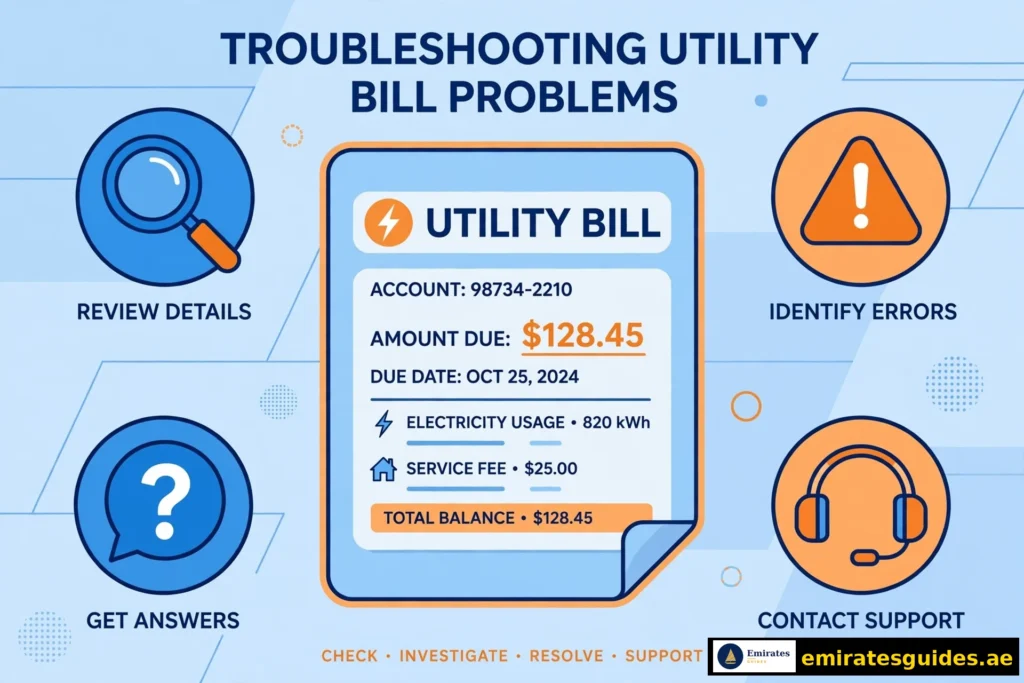
Common DEWA Bill Problems & Fixes
“Bill not found” / “Invalid account number”
Re-enter carefully — account numbers are long and typo-prone. Try the premise number instead. If both fail, the account may not be active yet (new connections take time).
“Bill amount looks wrong”
Compare consumption (kWh/gallons) against previous months in the app. Summer spikes are normal. If consumption is inexplicably high, check for leaks (water) or faulty AC (electricity) before disputing.
“Housing fee seems too high”
Verify it is 5% of your annual rent / 12. If your rent changed mid-year, the instalment may need adjustment — contact DEWA with your updated Ejari.
“Payment made but bill still shows unpaid”
Wait 2-4 hours for system update. Check your bank statement to confirm the debit. If 24 hours pass, contact DEWA with the transaction reference.
“Did not receive the bill by email”
Check spam. Verify your email in DEWA account settings. Enrol in Green Bill for reliable delivery.
“Want to dispute a charge”
Use the bill correction/dispute process via DEWA’s website or customer happiness centres. Provide: account number, bill month, disputed amount, and evidence (photos of meter readings help enormously).
Tips to Reduce Your DEWA Bill
- AC at 24°C: every degree below 24 increases consumption ~6%. The single biggest lever.
- Service your AC: dirty filters and low refrigerant spike electricity use.
- Fix water leaks: a dripping tap wastes thousands of gallons monthly.
- LED lighting: replace all bulbs — trivial cost, real savings.
- Monitor via the app: the consumption graph shows exactly when usage spikes.
- Peak awareness: reduce heavy appliance use during peak heat hours.
- Compare monthly: the app’s year-on-year view reveals creeping consumption.
Frequently Asked Questions
Conclusion
A DEWA bill check is 60 seconds on dewa.gov.ae — no login, no fuss. Make it a monthly habit: check the bill, verify the breakdown, then pay via Quick Pay, the app, or your bank. Understanding the components (especially the slab tariffs and housing fee) turns bill shock into bill control.
Download 12 months of PDFs, set up auto-pay, keep your AC at 24°C, and DEWA becomes just another managed household expense — not a monthly surprise.
Last updated: October 15, 2026. Tariffs, fees, and procedures follow DEWA guidance current at the time of writing. DEWA updates its portal and app periodically — if a step looks different from this guide, the on-screen instructions on dewa.gov.ae are authoritative.