

Ejari Guide 2026: Register, Renew, Download & Check Online
Renting in Dubai? You need Ejari — the mandatory tenancy contract registration with Dubai Land Department (DLD). Without it, you cannot activate DEWA, sponsor visas, or prove your tenancy legally.
This guide covers everything: what Ejari is, how to register, how to download your Ejari certificate, printing, verification, costs, and troubleshooting. Current as of October 2026.
Quick answer: To download Ejari, visit dubailand.gov.ae → Download Rental Certificate (Ejari) → enter your Ejari contract number + DEWA premise number → download the PDF. Alternative: Dubai REST app or UAE PASS app. The download is free.
What Is Ejari?
Ejari (Arabic for “my rent”) is Dubai’s mandatory tenancy contract registration system, managed by the Dubai Land Department. Every rental contract in Dubai must be registered on Ejari.
Why it matters:
- DEWA activation requires a valid Ejari
- Visa sponsorship (family visas) needs Ejari as address proof
- Legal protection — registered contracts are enforceable in disputes
- Government services — schools, telecom, banks may request it
Ejari vs Tawtheeq: Ejari is for Dubai. Abu Dhabi uses Tawtheeq (a separate system). Do not confuse them — they are not interchangeable.
How to Register Ejari Online
Before you can download Ejari, it must be registered. Here is the Ejari online registration process:
Option 1: Via Real Estate Agency / Landlord
Most tenancies: your agent or landlord registers Ejari on your behalf.
Documents needed:
- Signed tenancy contract
- Tenant’s Emirates ID + passport + visa
- Landlord’s title deed
- DEWA premise number
Cost: typically AED 220 (DLD fee) + typing centre charges (~AED 100–200)
Option 2: Via Dubai REST App
- Download Dubai REST app
- Login with UAE Pass
- Go to Services → Ejari → Register Tenancy Contract
- Upload documents
- Pay fees online
- Receive Ejari contract number via SMS/email
Option 3: Via Authorised Typing Centres
Visit any DLD-authorised typing centre with your documents. They handle the registration; you collect the Ejari number.
Processing time: usually same-day to 48 hours.

How to Download Ejari Certificate: 3 Methods
Method 1: DLD Website (No Login Required)
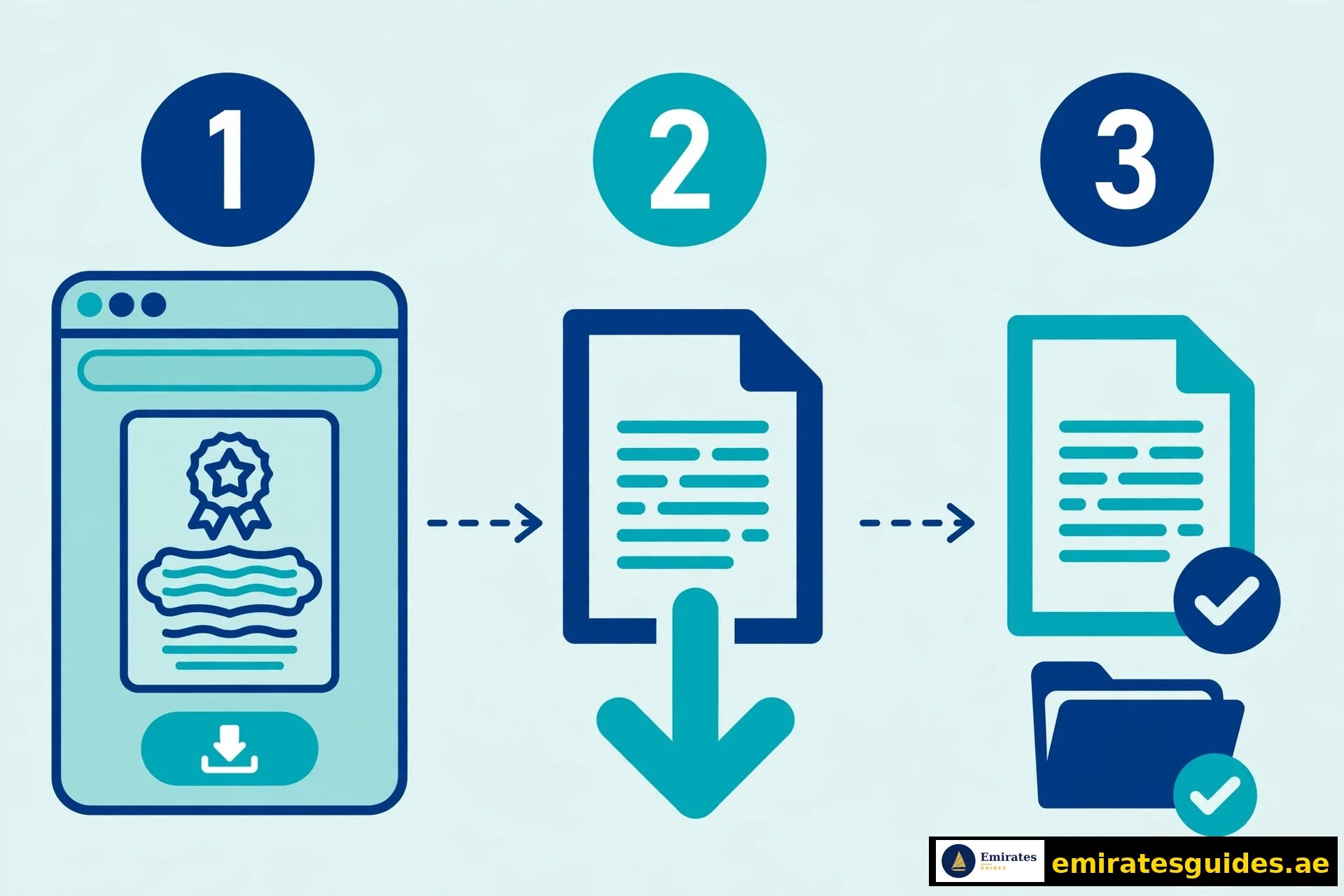
The fastest Ejari certificate download:
- Go to dubailand.gov.ae → eServices → Download Rental Certificate (Ejari)
- Enter your Ejari contract number
- Select DEWA Premise Number or Municipality Number
- Enter the number
- Complete CAPTCHA
- Click Download — the PDF saves immediately
You need: Ejari contract number + DEWA premise number. Find these on your tenancy contract or DEWA bill.
Method 2: Dubai REST App
- Open Dubai REST app → login with UAE Pass
- Go to My Properties or Documents
- Find your tenancy contract
- Tap Download Certificate
- Save/share the PDF
Method 3: UAE PASS App
- Open UAE PASS app
- Go to Documents
- Find DLD-issued documents
- Download your Ejari certificate
Which method is best? The DLD website (Method 1) is fastest if you have the numbers. The apps are better for ongoing access.
Where to Find Your Ejari Contract Number & DEWA Premise Number
Ejari contract number:
- On your registered tenancy contract (top section)
- In the SMS/email from DLD after registration
- Ask your landlord or real estate agent
- Check the Dubai REST app under your properties
DEWA premise number:
- On any DEWA bill (top section)
- In the DEWA app under your account
- On the tenancy contract (sometimes listed)
- Ask your landlord
Without these numbers, you cannot use the DLD website download. Use the app methods instead (they authenticate via UAE Pass).
How to Print Your Ejari Certificate
Ejari print guidance:
- Download the PDF (not a screenshot — the PDF has the QR code)
- Print on standard A4 white paper
- Black & white is fine — colour not required
- No stamp or attestation needed — the QR code is the validation
- A printed copy is as valid as the original
Do not: print a phone screenshot (may lack the QR code). Always download the actual PDF.
Ejari Verification: How to Check If Genuine
Ejari verification ensures your certificate is authentic:
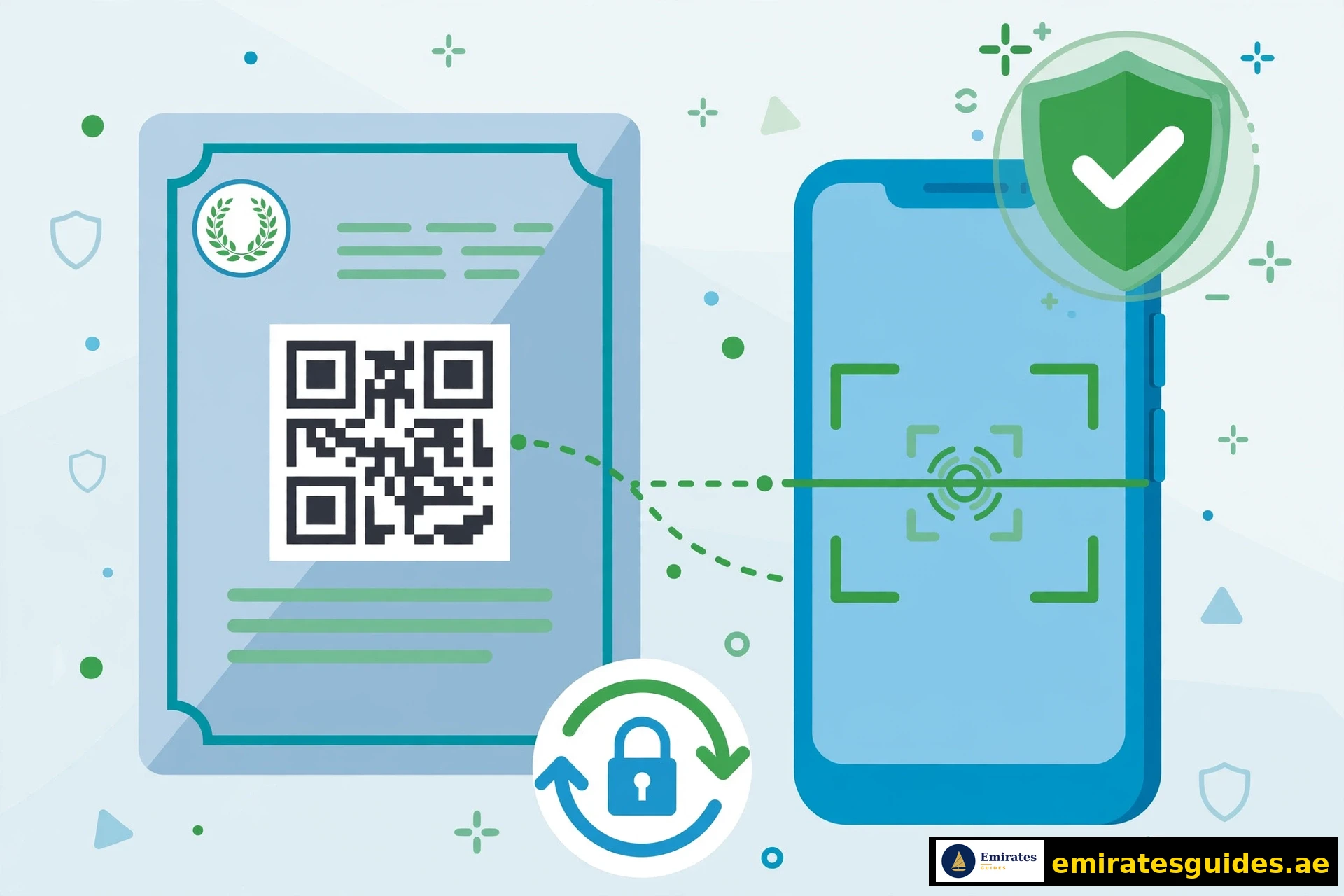
- QR code scan — every genuine Ejari has a QR code; scanning it should link to DLD verification
- DLD portal check — enter the contract number on dubailand.gov.ae to verify status
- Check Ejari online — the DLD eServices portal shows contract validity
Red flags:
- No QR code on the certificate
- QR code does not scan or links to a non-DLD site
- Contract number not found on DLD portal
- Mismatched names/addresses
If suspicious: contact DLD directly. Do not rely on a potentially fraudulent Ejari for DEWA or visa applications.
Ejari Costs & Fees (2026)
| Service | Fee |
|---|---|
| Ejari registration | AED 220 (DLD) + typing charges |
| Ejari download | Free |
| Ejari print | Free (your printer) |
| Ejari renewal | AED 220 (same as registration) |
| Ejari cancellation | Free–AED 100 (varies) |
The download itself is always free. Anyone charging you to download an existing Ejari is scamming you. Registration has fees; downloading does not.
Ejari Renewal
When your tenancy renews annually, your Ejari must be renewed too.
Process: same as registration (via agent, Dubai REST, or typing centre).
When: within the renewal window (do not let it lapse).
Cost: AED 220 + typing charges.
Why it matters: an expired Ejari blocks DEWA reconnection, visa renewals, and legal standing.
Tip: set a calendar reminder 30 days before your tenancy expires.
Common Ejari Download Issues & Fixes
| Problem | Cause | Fix |
|---|---|---|
| “No data found” | Wrong numbers entered | Double-check contract + premise numbers |
| Nothing under your account | Tenancy registered under landlord/agent | Ask them for the numbers; use DLD website method |
| New tenancy, nothing shows | 24–48h DEWA sync delay | Wait 2 days, try again |
| PDF will not open | Corrupted download | Re-download; try a different browser |
| Previous tenant’s Ejari active | One active Ejari per unit | Landlord must cancel the old Ejari first |
| Identity mismatch | Emirates ID on contract ≠ your ID | Contact DLD to correct |
The “previous tenant” problem is the most common headache. Only one active Ejari can exist per property. If the previous tenant’s Ejari was not cancelled, yours cannot be registered. Your landlord must resolve this with DLD.
What Your Ejari Certificate Is Used For
- DEWA — new connections and transfers require valid Ejari
- Family visa sponsorship — proof of accommodation
- School admissions — some schools request it
- Bank accounts — address verification
- Telecom — home internet installation
- Legal disputes — registered contracts are enforceable at the Rental Dispute Centre
- Trade licences — business address proof (for some licences)
Ejari vs Tawtheeq: Key Differences
| Aspect | Ejari (Dubai) | Tawtheeq (Abu Dhabi) |
|---|---|---|
| Authority | Dubai Land Department | Abu Dhabi Municipality (TAMM) |
| Mandatory | Yes, for all Dubai rentals | Yes, for all Abu Dhabi rentals |
| Download | dubailand.gov.ae | TAMM portal |
| System | Separate | Separate |
If you move between emirates, you need the new emirate’s registration. They do not transfer.

Ejari for Different Tenant Types
For Salaried Employees
Your employer may handle Ejari as part of visa processing. Confirm who is responsible — do not assume.
For Freelancers
You register Ejari yourself. The process is identical; ensure your tenancy contract lists you correctly.
For Families
One Ejari per household (under the primary tenant’s name). All family visa applications reference this single Ejari.
For Sharers / Roommates
Only one Ejari per unit is possible. The primary tenant holds it; roommates should have written agreements with the primary tenant (not DLD-registered).
For Companies (Staff Accommodation)
The company registers Ejari under its trade licence. Employees use the company Ejari for visa purposes.
Ejari and DEWA: The Critical Link
DEWA will not activate utilities without a valid Ejari. The sequence:
- Sign tenancy contract
- Register Ejari (get contract number)
- Apply for DEWA (provide Ejari number)
- DEWA activates (usually 24 hours)
If DEWA rejects your Ejari: the Ejari may not be active yet (wait 24–48h for sync), or the previous tenant’s Ejari may still be active (landlord must cancel it).
See our [DEWA Bill Guide](/dewa-bill-guide/) for utility management after activation.
Ejari Disputes: When Things Go Wrong
Landlord Will Not Register
Ejari registration is legally mandatory. If your landlord refuses:
- Register it yourself (Dubai REST or typing centre)
- Deduct the cost from rent (with written notice)
- File a complaint with DLD if needed
Landlord Will Not Cancel Old Ejari
Required for new tenant registration. If the landlord is uncooperative:
- Contact DLD with your new tenancy contract
- DLD can intervene to cancel the stale Ejari
- Document all communication
Rent Increase Disputes
Ejari registration does not prevent disputes, but it ensures your contract is enforceable at the Rental Dispute Settlement Centre (RDSC). Unregistered contracts have weaker legal standing.
RERA rental index: check the official rental index before accepting increases. Landlords cannot exceed the index-allowed increase.
Ejari Renewal: Detailed Process
When to Renew
- Timing: before your current Ejari expires (aligned with tenancy renewal)
- Reminder: set a calendar alert 30 days before expiry
- Grace: do not rely on grace periods — renew on time
Renewal Steps
- Sign the renewed tenancy contract
- Register via the same method as initial (agent, Dubai REST, typing centre)
- Pay AED 220 + typing charges
- Receive new Ejari contract number
- Update DEWA if required (usually automatic)
What If You Forget?
An expired Ejari means:
- DEWA may suspend services
- Visa renewals blocked
- No legal standing in disputes
- Fines may apply
Renew on time. Every year. No exceptions.
Ejari Cancellation: Step-by-Step
When your tenancy ends, the Ejari must be cancelled. This is not automatic.
Who Cancels?
Either the landlord or the tenant can initiate cancellation, but both parties’ cooperation is typically needed. In practice, landlords often handle it — but do not assume. Confirm it is done.
Cancellation Process
- Log in to the DLD portal or Dubai REST app (both work; the app is faster for most users)
- Select the active Ejari contract from your dashboard
- Request cancellation (reason: tenancy ended)
- Upload supporting documents if requested (tenancy contract, ID)
- Pay any applicable cancellation fee
- Receive cancellation confirmation — save this document permanently
Why Cancellation Matters
- An active Ejari on a vacated property can block the landlord’s next registration
- Your DEWA account stays linked until Ejari is cancelled
- Unresolved Ejaris complicate future visa or tenancy applications
- Security deposits may be tied to cancellation confirmation
Tenant tip: get written confirmation of cancellation from your landlord — an email or signed letter works. Keep it with your move-out records permanently. If a dispute arises months later about deposits or liabilities, this document is your proof that the tenancy formally ended.
Ejari for Commercial Properties
Commercial Ejari follows the same system with key differences:
- Trade licence link: commercial Ejari is required for trade licence issuance and renewal
- Higher stakes: an unregistered commercial tenancy can invalidate your business licence
- Ejari number on licence: your commercial Ejari number appears in trade licence records
- Renewal sync: align your Ejari renewal with your trade licence renewal to avoid gaps
For business owners: register Ejari before applying for or renewing your trade licence. The DED (Department of Economy and Tourism) cross-checks Ejari validity automatically — an expired or missing Ejari will stall your licence renewal, and operating on an expired licence carries fines. Time both renewals together each year to avoid gaps.
Ejari and Residency Visa Applications
Ejari plays a role in visa processing:
- Tenancy proof: some visa applications require a valid Ejari as proof of residence
- Family sponsorship: sponsoring family members typically requires your Ejari
- Address verification: government services may cross-reference your Ejari address
- Emirates ID: your registered address should match your Ejari
Keep your Ejari current — an expired Ejari during visa renewal can cause frustrating delays at immigration. Renew your tenancy and Ejari well before your visa expiry date, not after. The few hundred dirhams of early renewal cost far less than the stress of a stalled visa application.
Frequently Asked Questions (Extended)
Why This Guide Is Different
Most Ejari download guides are 500-word stubs with no troubleshooting, no cost breakdown, and no verification guidance. We built this differently:
- 3 download methods with detailed steps (not just one)
- Where to find your numbers (the step everyone skips)
- Print rules clarified (B&W fine, no stamp needed)
- Verification process (QR check, red flags)
- Cost table (download is free — stated explicitly)
- Troubleshooting table (every common error covered)
- Ejari vs Tawtheeq comparison (for Abu Dhabi movers)
- 15 FAQs with substantive answers (now expanded with cancellation and commercial coverage)
- Cancellation walkthrough (the step most guides ignore entirely)
- Commercial Ejari guidance for business owners
- Visa linkage explained (tenancy proof, family sponsorship)
If DLD changes the process, this page updates. Bookmark it.
Conclusion
Ejari download is simple once you have your contract and premise numbers. The DLD website method takes 60 seconds; the apps offer convenient ongoing access.
The critical insight: register promptly, download freely, verify via QR, and renew annually. Ejari is not bureaucracy for its own sake — it is your legal protection as a tenant.
