
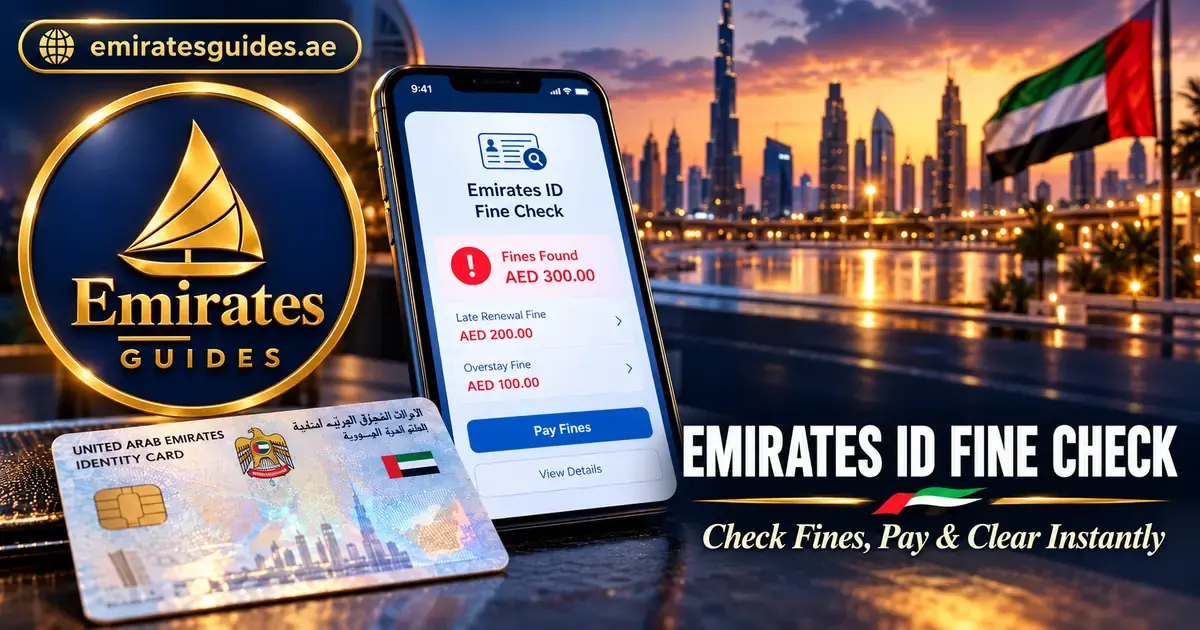
Emirates ID Fine Check 2026: Check, Pay & Clear Online
Unpaid fines on your Emirates ID can block visa renewals, trigger travel bans, and accumulate daily penalties. The good news: emirates id fine check takes under two minutes once you know which portal to use.
This guide covers every official method — ICP portal, MOI app, Dubai Police, GDRFA, and TAMM (Abu Dhabi) — plus fine types, amounts, payment steps, exemptions, and troubleshooting. Current as of October 2026.
Quick answer: To check your Emirates ID fine online, visit the ICP Smart Services portal (icp.gov.ae), select the fines inquiry service, enter your Emirates ID number, and view your fines. The check is free and takes under two minutes. Alternative methods: MOI UAE app, Dubai Police website/app, GDRFA (Dubai), and TAMM (Abu Dhabi). Pay promptly to avoid daily accumulation and visa blocks.
What Is an Emirates ID Fine?
An Emirates ID fine is a penalty linked to your Emirates ID number — issued for violations like late ID renewal, overstay, or immigration non-compliance. Unlike traffic fines (linked to your vehicle/licence), these attach directly to your identity record.
Why check regularly:
- Unpaid fines block visa renewals
- They can trigger travel restrictions
- Daily penalties accumulate (AED 20/day for late renewal)
- Employers check during visa processing
How to Check Emirates ID Fine: 5 Official Methods
Method 1: ICP Smart Services Portal (Recommended)
The Federal Authority for Identity, Citizenship, Customs & Port Security (ICP) portal is the primary channel for emirates id fine checking online.
Steps:
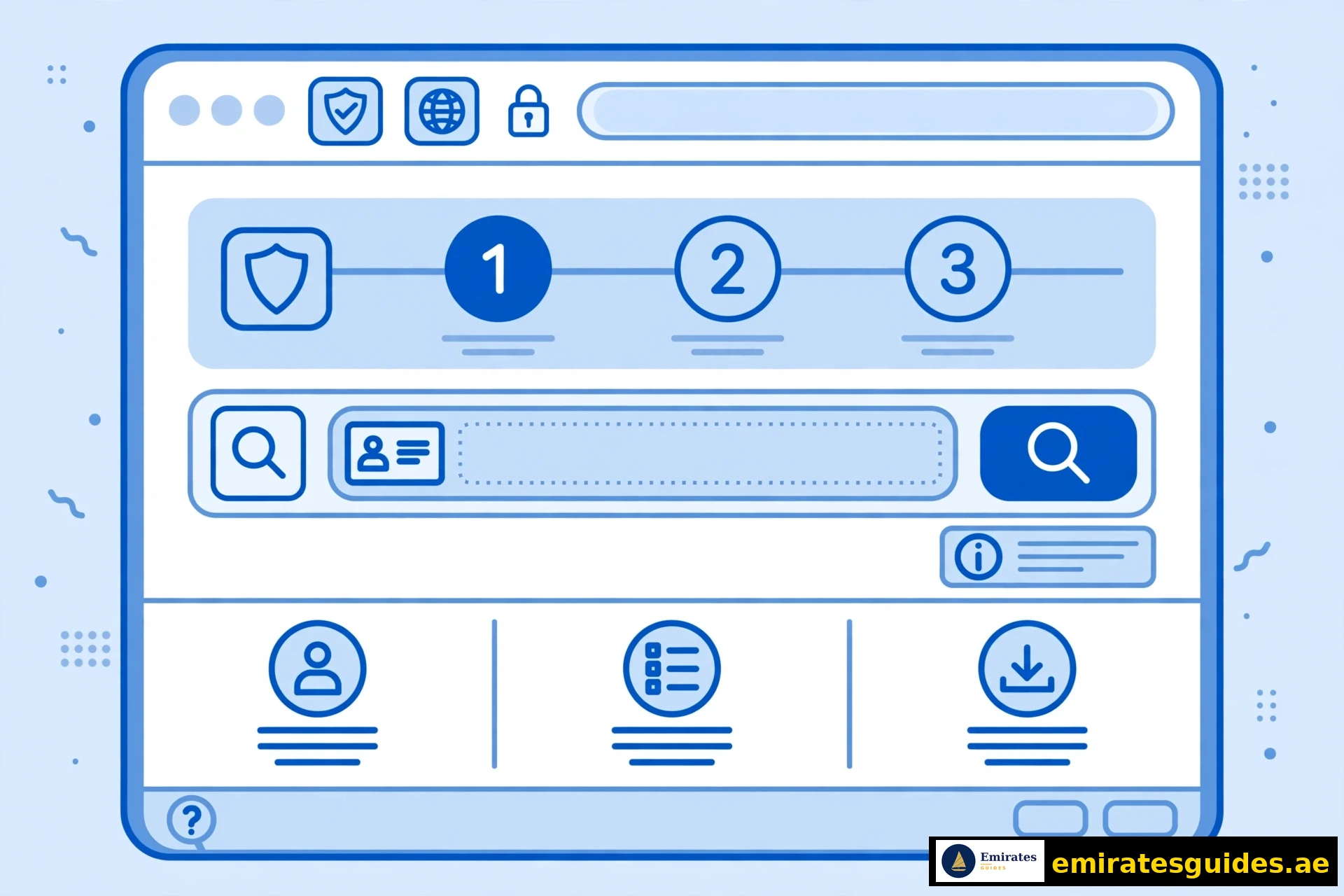
- Go to icp.gov.ae → Smart Services → Fines Inquiry
- Select search by Emirates ID
- Enter your 15-digit Emirates ID number (784-XXXX-XXXXXXX-X)
- Enter your date of birth
- Complete the CAPTCHA
- Click Search — your fines appear with amounts and details
Best for: Emirates ID fines, immigration fines, overstay fines, residency violations.
Method 2: MOI UAE App (Emirates ID Fine Check App)
The Ministry of Interior app is the most convenient emirates id fine check app.
Steps:
- Download MOI UAE from App Store or Google Play
- Register/login (UAE Pass recommended)
- Go to Services → Fines Inquiry
- Enter your Emirates ID number
- View fines and pay directly in-app
Best for: quick mobile checks, traffic + ID fines in one place.
Method 3: GDRFA Dubai (Emirates ID Fine Check Dubai)
For Dubai-issued visas, the General Directorate of Residency and Foreigners Affairs offers a fines inquiry tool.
Steps:
- Go to gdrfad.gov.ae → Fines Inquiry Service
- Select search by Emirates ID
- Enter Emirates ID, date of birth, gender
- Complete reCAPTCHA → Submit
Best for: emirates id fine check Dubai — Dubai-specific immigration and residency fines.
Method 4: Dubai Police (Traffic Fines)
Note: Dubai Police handles traffic fines, not Emirates ID fines directly. However, traffic violations may appear linked to your ID.
- Go to dubaipolice.gov.ae → Fines Inquiry and Payment
- Search by plate, licence, or fine details
- Pay online (credit/debit card, Apple Pay)
Method 5: TAMM Abu Dhabi (Emirates ID Fine Check Abu Dhabi)
For Abu Dhabi residents, the TAMM portal covers government service fines.
Steps:
- Go to tamm.abudhabi → Services → Fines
- Login with UAE Pass
- Search fines linked to your Emirates ID
Best for: emirates id fine check Abu Dhabi — Abu Dhabi government service fines.
Portal Comparison: Which to Use?
| Portal | Best For | Search By | App Available |
|---|---|---|---|
| ICP | ID/immigration/overstay fines | Emirates ID | Yes |
| MOI UAE | All fines (mobile) | Emirates ID | Yes (app) |
| GDRFA | Dubai immigration fines | Emirates ID/File No. | Yes |
| Dubai Police | Traffic fines | Plate/Licence | Yes |
| TAMM | Abu Dhabi govt fines | UAE Pass login | Yes |
Rule of thumb: start with ICP for Emirates ID fines. Use Dubai Police for traffic. Use GDRFA if your visa is Dubai-issued.
Types of Emirates ID Fines & Amounts
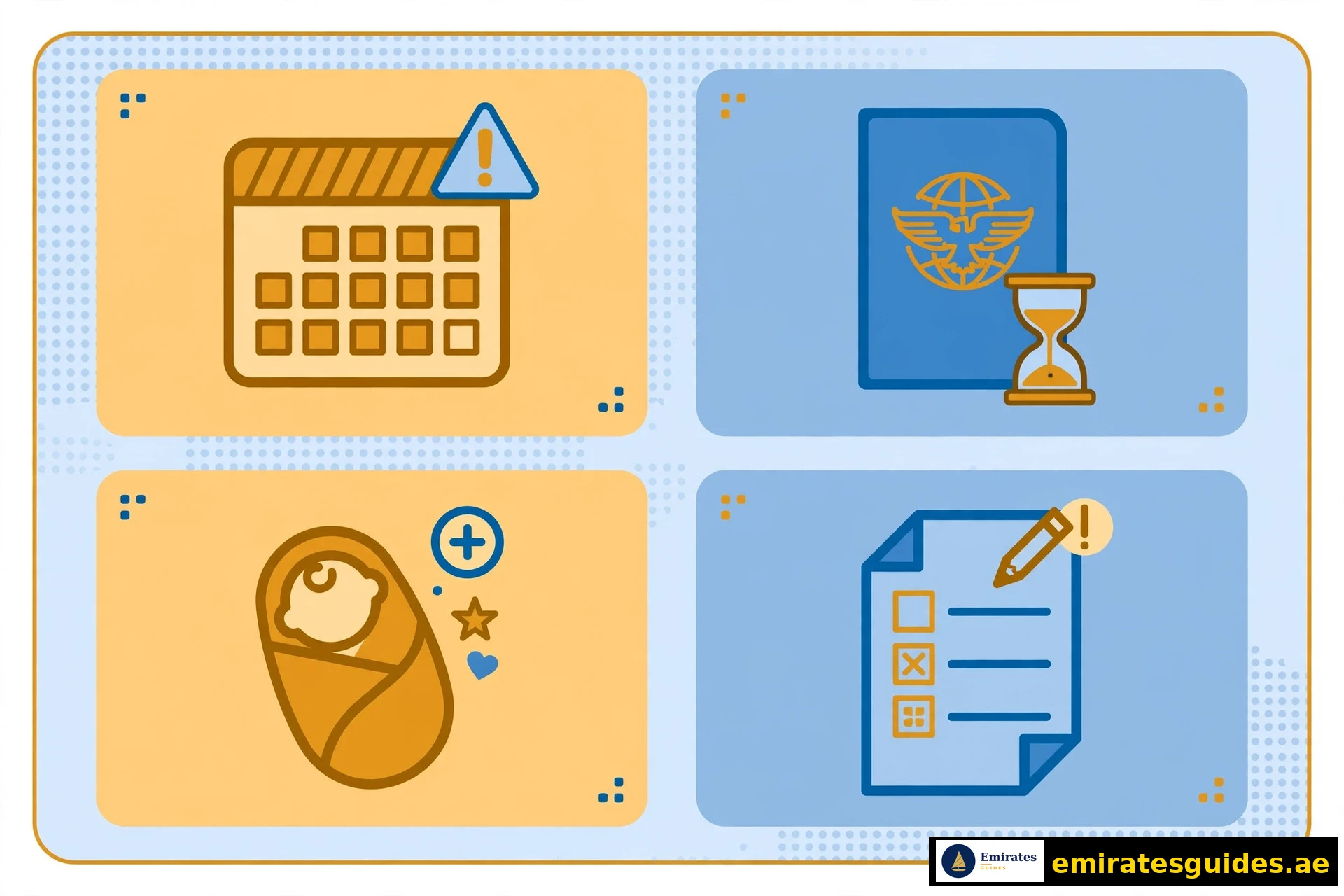
1. Late Emirates ID Renewal
- Grace period: 30 days after expiry
- Fine: AED 20/day after grace
- Cap: AED 1,000 maximum
2. Overstay Fines (Visit Visa)
- Fine: AED 50/day
- No fixed cap — accumulates until resolved
3. Overstay Fines (Residence Visa)
- Grace period: 30 days (varies by visa type)
- Fine: AED 25/day after grace
4. Failure to Register Newborn
- Deadline: 120 days from birth
- Fine: AED 20/day after deadline
5. Late ID Card Replacement (Lost/Damaged)
- Replacement fee: AED 300
- Plus: daily fines if not replaced promptly
6. Incorrect Personal Details
- Fines for failing to update changed information (address, marital status, etc.)
How to Pay Emirates ID Fines
Online Payment
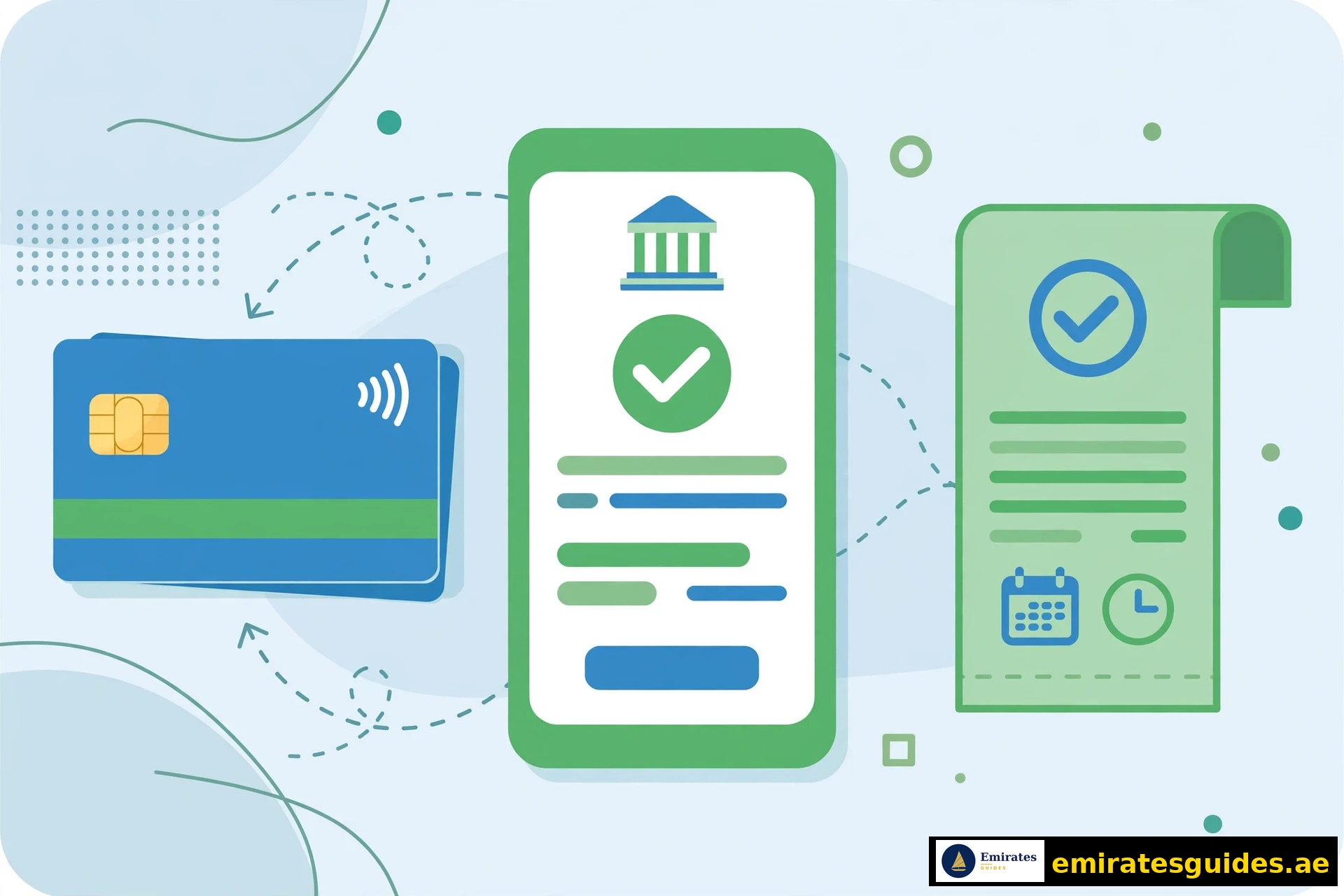
- After checking fines on ICP/MOI/GDRFA, click Pay
- Select payment method: credit card, debit card
- Enter card details (UAE/GCC cards for some portals)
- Confirm — save the receipt
In-Person Payment
- Customer Happiness Centres (ICP)
- TAMM Service Centres (Abu Dhabi)
- GDRFA Service Centres (Dubai)
- Police stations (traffic fines)
- Sahl kiosks (self-service machines)
Payment Methods Accepted
- Credit/debit cards (Visa, Mastercard)
- Apple Pay (Dubai Police)
- Cash (in-person centres)
- Bank transfer (some portals)
After payment: fines typically clear within 24–48 hours. Save your receipt — you may need it for visa processing.
Emirates ID Fines Exemption & Discounts
Can Fines Be Waived?
Yes, in certain circumstances. Emirates ID fines exemption may apply for:
- Medical emergencies (hospitalisation preventing renewal)
- Travel abroad during the renewal window (with proof)
- System errors (ICP technical issues)
- Humanitarian cases (assessed individually)
How to Request Exemption
- Visit an ICP Customer Happiness Centre in person
- Bring supporting documents (medical reports, travel records, etc.)
- Submit a formal exemption request
- Wait for review (timelines vary)
Discounts
- RTA Dubai occasionally offers traffic fine discounts (up to 35%)
- Amnesty periods — the UAE periodically announces fine waiver schemes
- Check official announcements; do not rely on rumours
Important: exemption is not guaranteed. Apply early, document everything, and do not assume approval.
Why Your Fine May Not Appear (Troubleshooting)
Common Reasons
| Scenario | Why | What to Do |
|---|---|---|
| Recent fine (< 48h) | System sync delay | Wait 24–48h, recheck |
| Wrong portal | Fine is with different authority | Try ICP → MOI → GDRFA → Police |
| Cancelled visa | Record may be under passport | Search by passport number |
| Within grace period | No fine issued yet | Verify grace end date |
| Visit visa overstay | May need passport search | Use passport number on ICP |
| Data mismatch | Typo in ID number | Recheck the 15-digit number |
Emirates ID vs Passport Records
Some fines (especially older immigration fines) are linked to your passport number, not your Emirates ID. If the ID search shows nothing but you suspect fines, try searching by passport.
System Timing
- Traffic fines: appear within 24–72 hours
- Immigration fines: 48–96 hours
- ID renewal fines: immediate after grace period
- Labour fines: 5–10 working days

What Happens If You Do Not Pay?
- Visa renewal blocked — the most common consequence
- Travel restrictions — potential exit bans for large amounts
- Daily accumulation — AED 20–50/day adds up fast
- Employment issues — employers cannot process work permits
- Banking complications — some banks flag unpaid government fines
- Legal escalation — persistent non-payment can lead to court action
Bottom line: pay promptly. A AED 200 fine becomes AED 1,000 (capped) if ignored for months.
How to Avoid Emirates ID Fines
- Renew on time — set a calendar reminder 60 days before expiry
- Update details — report changes (address, marital status) promptly
- Track visa dates — know your expiry and grace periods
- Check quarterly — a 2-minute check every 3 months catches surprises
- Keep documents — save renewal receipts and confirmations
- Use the apps — MOI and ICP apps send renewal reminders
For Employers: Compliance Notes
Employers sponsoring staff should:
- Monitor employee visa/ID expiry dates centrally
- Budget for renewal costs (avoid passing fines to employees unfairly)
- Check fines before initiating visa renewals (saves processing delays)
- Document all fine payments for audit compliance
Unpaid employee fines can delay work permit renewals and trigger MOHRE scrutiny.
Emirates ID Fine Checking Online UAE: Complete Portal Guide
For emirates id fine checking online in the UAE, you have multiple official channels. Here is the definitive breakdown:
Federal Level (All Emirates)
- ICP Smart Services (icp.gov.ae) — the primary federal portal
- MOI UAE App — mobile-first, covers all fine types
Dubai
- GDRFA (gdrfad.gov.ae) — Dubai immigration and residency fines
- Dubai Police (dubaipolice.gov.ae) — Dubai traffic fines
Abu Dhabi
- TAMM (tamm.abudhabi) — Abu Dhabi government service fines
Other Emirates
Sharjah, Ajman, Ras Al Khaimah, Fujairah, and Umm Al Quwain residents use the federal ICP portal for ID and immigration fines, plus local police websites for traffic fines.
Which portal first? Always start with ICP — it covers the most fine types at the federal level. If nothing appears but you suspect fines, try the emirate-specific portal.
Step-by-Step: ICP Portal Walkthrough (Detailed)
Let us walk through the ICP emirates id fine check in granular detail:
Before You Start
Have ready:
- Your Emirates ID number (15 digits: 784-XXXX-XXXXXXX-X)
- Your date of birth (as on your ID)
- A stable internet connection
- Your phone (for OTP if required)
The Process
Step 1: Open your browser and go to icp.gov.ae. Look for “Smart Services” or “Public Services” in the navigation.
Step 2: Find the Fines Inquiry or Fines Payment service. It may be under “General Services” or searchable via the site search.
Step 3: Select “Search by Emirates ID” (other options: file number, passport number).
Step 4: Enter your full 15-digit Emirates ID number. Double-check each digit — a single typo returns no results.
Step 5: Enter your date of birth in the required format (usually DD/MM/YYYY).
Step 6: Complete the CAPTCHA verification (proves you are human).
Step 7: Click Search or Inquire.
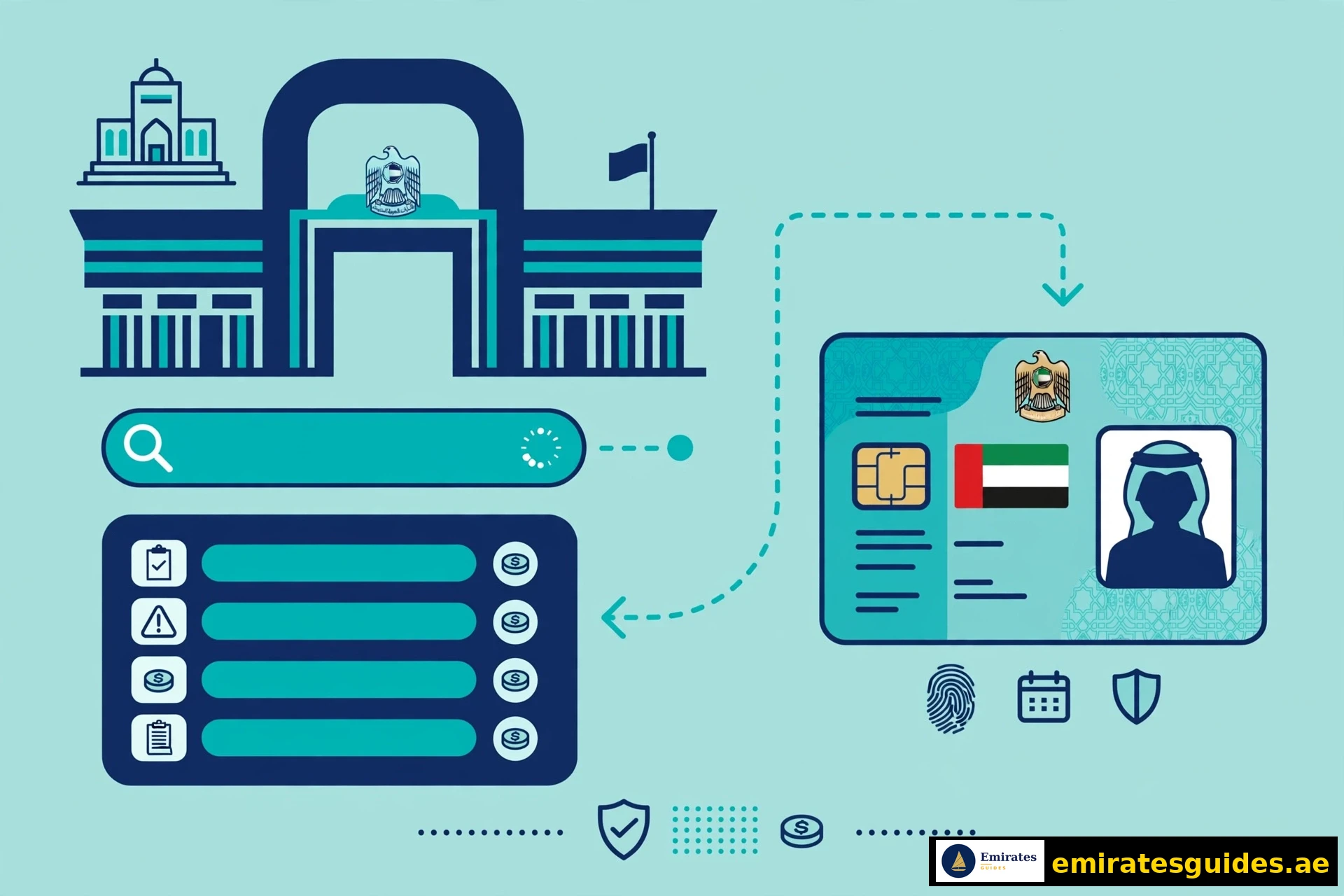
Step 8: Review results. Each fine shows: type, amount, date issued, issuing authority, and payment status.
Step 9: To pay, click on the fine → Pay Now → enter card details → confirm.
Step 10: Save the payment receipt (PDF download or screenshot).
Common Issues During the Check
- “No records found” — could mean no fines (good!) or a data issue (see troubleshooting)
- Page timeout — the portal gets busy; try during off-peak hours (early morning)
- CAPTCHA fails — refresh and try again; ensure you are not using a VPN
- ID number rejected — verify the 15 digits; check for transposed numbers
Understanding Your Fine Details
When fines appear, you will see:
| Field | What It Means |
|---|---|
| Fine Type | Category (late renewal, overstay, etc.) |
| Amount | Total owed in AED |
| Issue Date | When the fine was recorded |
| Authority | Which entity issued it (ICP, GDRFA, etc.) |
| Status | Unpaid, partially paid, or paid |
| Reference No. | Use this for inquiries and disputes |
If the amount seems wrong: do not pay immediately. Note the reference number and contact the issuing authority for clarification. Paying an incorrect fine is harder to reverse than disputing before payment.
Disputing an Incorrect Fine
If you believe a fine was issued in error:
- Do not pay it yet (payment can be seen as acceptance)
- Gather evidence (renewal receipts, travel records, system screenshots)
- Contact the issuing authority (ICP, GDRFA, or police — whichever issued it)
- File a formal dispute (in person at a service centre or via the portal)
- Get a reference number for your dispute
- Follow up — disputes can take 2–4 weeks
Common successful disputes:
- Fine issued during system downtime (with proof of attempted renewal)
- Duplicate fines (same violation charged twice)
- Fines issued after valid renewal (timing errors)
- Identity errors (fine belongs to a different person)
Fine Payment: Detailed Walkthrough
Paying on ICP Portal
- After viewing fines, select the ones to pay (checkboxes)
- Click “Pay Selected”
- Review the total (watch for service fees — typically AED 0–10)
- Choose payment method (credit/debit card)
- Enter card details on the secure payment page
- Complete 3D Secure verification (OTP from your bank)
- Confirmation screen → download receipt
Paying on MOI App
- Open app → Fines → select fine
- Tap Pay
- Choose saved card or add new
- Authenticate (biometric or PIN)
- Receipt saved in app + emailed
Paying In Person
- Visit the relevant service centre
- Take a token for Fines Payment
- Provide your Emirates ID
- Pay by card or cash
- Collect the stamped receipt
Keep receipts for 2+ years. You may need them for visa renewals, employment changes, or disputes.
Special Cases
Newborn Registration Fines
Parents must register newborns within 120 days. After that, AED 20/day applies. The process:
- Obtain the birth certificate
- Apply for the newborn’s Emirates ID via ICP
- Pay any accrued fines during the application
Fines After Visa Cancellation
When a visa is cancelled, you typically have a grace period (30–90 days depending on visa type) to exit or change status. Overstay fines (AED 50/day) apply after the grace period.
Checking: use your passport number on the ICP portal, as the Emirates ID may be deactivated.
Fines for Dependents
Parents/guardians are responsible for dependents’ fines (children, sponsored family members). Check each family member’s ID separately — fines do not aggregate automatically.
Corporate/Employer Fines
Companies can incur fines for:
- Late work permit renewals
- Labour law violations
- Incorrect employee records
These are checked via MOHRE and ICP business portals, not the individual ID check.
How to Check Emirates ID Fine: Quick Reference Card
Fastest method: MOI UAE app (2 minutes)
Most comprehensive: ICP portal (all federal fines)
Dubai-specific: GDRFA website
Abu Dhabi-specific: TAMM portal
Traffic only: Dubai Police / MOI
What you need: Emirates ID number + date of birth
Cost to check: Free on all official portals
Payment methods: Card online; card/cash in person
Screenshot this section. It is the entire process in 30 seconds.
Frequently Asked Questions (Extended)
Note: if you searched for “emirates id fine check karne ka tarika” — this guide covers the same process. The steps above work regardless of language.
Protecting Your Privacy During Fine Checks
Only use official portals. Third-party “fine check” websites may harvest your Emirates ID number and personal details. The official portals are:
- icp.gov.ae
- moi.gov.ae (and MOI UAE app)
- gdrfad.gov.ae
- dubaipolice.gov.ae
- tamm.abudhabi
Red flags:
- Sites asking for payment just to check (checking is free)
- Sites without .gov.ae domains claiming to be official
- Requests for unnecessary personal details (bank info, passwords)
- Poor grammar/spelling (official sites are professional)
If you used a suspicious site: monitor for identity misuse, and only use official portals going forward.
The Future: What’s Changing
The UAE is digitising rapidly:
- UAE Pass integration — single sign-on across all government portals
- Proactive notifications — SMS/app alerts before fines accrue
- AI-powered dispute resolution — faster processing of straightforward cases
- Unified fine dashboard — one view across all authorities (in development)
The trend is toward fewer surprises — but until the systems are fully unified, manual quarterly checks remain essential.
Real Scenarios: When Fine Checks Save You
Scenario 1: The Job Change
Ahmed changed jobs in March. His new employer started the work permit process — blocked by an AED 400 late-renewal fine he did not know about. A 2-minute ICP check would have caught it weeks earlier. He paid, waited 48 hours for clearance, and the permit processed.
Lesson: check before any employment change.
Scenario 2: The Airport Surprise
Fatima was at the airport when immigration flagged an unpaid overstay fine from a previous visit visa. She had to pay on the spot (plus stress). A pre-travel check would have avoided the entire ordeal.
Lesson: check before every international trip.
Scenario 3: The Visa Renewal
The Hassan family went for their annual visa renewal — delayed by the father’s AED 600 accumulated fine. The renewal was postponed two weeks while the fine cleared.
Lesson: check 30 days before any visa expiry, not the day of.
Scenario 4: The Successful Dispute
Omar was fined AED 500 for “late renewal” — but he had renewed on time; the system had not updated. He gathered his renewal receipt, visited the ICP centre, filed a dispute, and the fine was reversed in 3 weeks.
Lesson: keep receipts, dispute errors promptly, and document everything.
These are composite scenarios based on common patterns — but the lessons are real. Check early, check often.
Setting Up Fine Alerts (Proactive Monitoring)
Do not rely on memory. Set up systems:
- MOI App notifications — enable push alerts for fines and renewals
- Calendar reminders — 60 days and 30 days before ID/visa expiry
- Quarterly check ritual — first day of each quarter, 2-minute ICP check
- Family dashboard — if you sponsor dependents, track all expiry dates in one spreadsheet
- Employer HR — ask your company’s PRO about their monitoring process
The 2-minute quarterly check is the single highest-ROI habit for UAE residents. It prevents 90% of fine-related surprises.
Glossary: Terms You Will Encounter
- ICP — Federal Authority for Identity, Citizenship, Customs & Port Security
- GDRFA — General Directorate of Residency and Foreigners Affairs (Dubai)
- MOI — Ministry of Interior
- TAMM — Abu Dhabi Government Services platform
- UAE Pass — national digital identity for government services
- Overstay fine — penalty for remaining beyond visa validity
- Grace period — penalty-free window after expiry (typically 30 days)
- Black points — traffic violation demerits (separate from ID fines)
- Customer Happiness Centre — ICP in-person service centres
- Sahl kiosk — self-service government transaction machines
One-Page Summary
To check: icp.gov.ae → Fines Inquiry → Enter Emirates ID + DOB → View results
Alternatives: MOI UAE app, GDRFA (Dubai), TAMM (Abu Dhabi)
Cost to check: Free
Common fines: Late renewal (AED 20/day, cap AED 1,000); Overstay (AED 50/day)
To pay: Online (card) or in-person (card/cash)
Exemptions: Possible for medical emergencies, system errors — apply at ICP centres
Troubleshooting: Wait 48h for new fines; try passport search; check correct portal
Prevention: Quarterly checks, calendar reminders, renew on time
Print this. Stick it on your fridge. Check quarterly.
Why This Guide Exists
Most emirates id fine check guides are thin — a few steps, no troubleshooting, no exemption info, no payment walkthrough. We built this differently:
- 5 official methods covered (not just one)
- Fine amounts with grace periods and caps (not vague warnings)
- Payment walkthrough (not just “pay online”)
- Exemption process (the section others skip)
- Troubleshooting table (for when fines do not appear)
- Privacy warnings (third-party sites harvest your data)
- 16 FAQs (every common question answered)
If the portals change or new methods emerge, this page updates. Bookmark it.
Additional Resources
Official portals:
- ICP Smart Services: icp.gov.ae
- MOI UAE: moi.gov.ae (+ mobile app)
- GDRFA Dubai: gdrfad.gov.ae
- Dubai Police: dubaipolice.gov.ae
- TAMM Abu Dhabi: tamm.abudhabi
- UAE Government Portal: u.ae
Related guides on this site:
- Emirates ID Complete Guide — renewal, replacement, status check
- UAE Emergency Numbers — police, ambulance, fire
When to seek help:
- ICP Customer Happiness Centres (in-person support)
- MOI call centre: 800 5000
- Dubai Police: 901 (non-emergency)
- Your company’s PRO (for employment-related fines)
Do not pay anyone who claims they can “remove” fines for a fee — only official channels can process payments and exemptions. Scammers target people with unpaid fines.
Conclusion
Emirates ID fine checking online takes two minutes but saves you from blocked visas, travel bans, and accumulating penalties. Bookmark the ICP portal, download the MOI app, and check quarterly.
The system is designed to be straightforward — the portals work, the steps are simple, and exemptions exist for genuine hardship. The only real mistake is not checking. Whether you searched in English or typed the Roman Urdu query “emirates id fine check karne ka tarika” into Google, the answer is the same: ICP portal, Emirates ID number, two minutes, done.
Start now: open icp.gov.ae, run the check, and know exactly where you stand today. Two minutes today prevents weeks of hassle tomorrow.
Last updated: October 15, 2026. Fine amounts and procedures follow official sources current at the time of writing. Portal interfaces may change — the core process (Emirates ID + DOB → search → pay) remains consistent. When in doubt, the ICP helpline and in-person service centres (TAMM in Abu Dhabi, Amer in Dubai) are the authoritative fallback.
